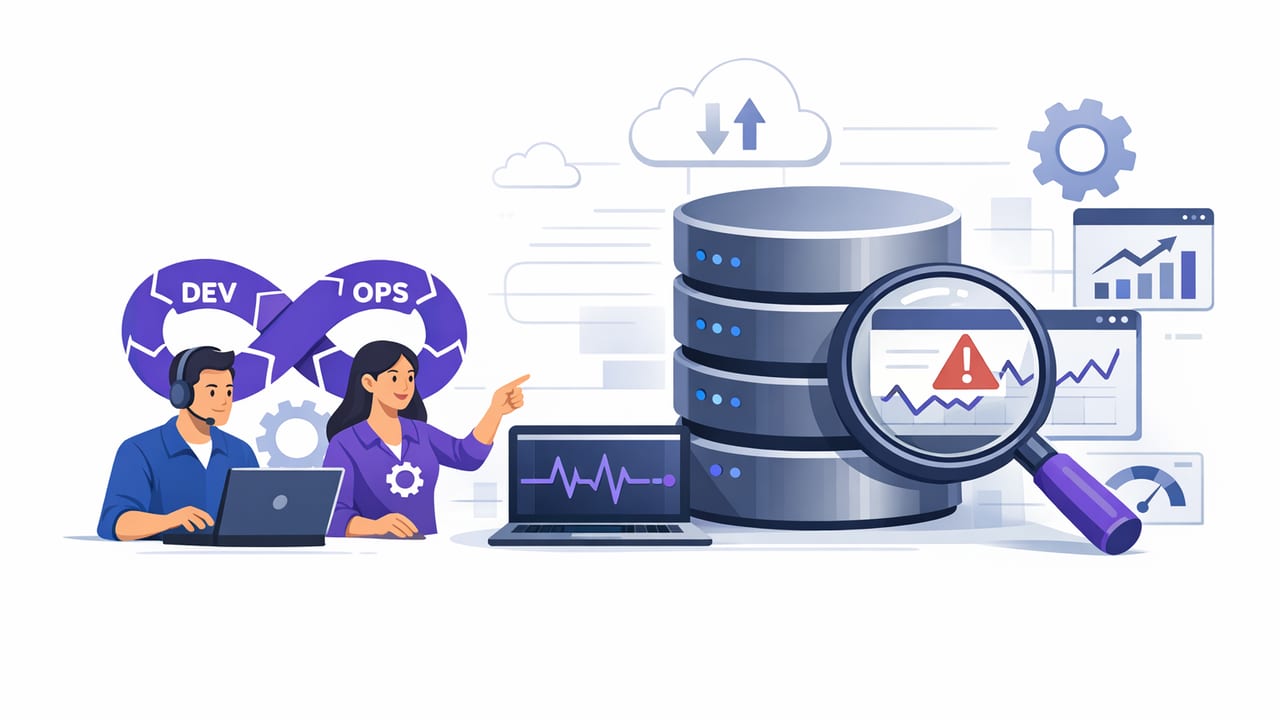
DevOps database monitoring often fails for one predictable reason: teams alert on what’s easy to measure, not what’s actionable to fix. CPU spikes, connection counts, and disk usage matter—but most incidents are ultimately felt as data symptoms: stuck jobs, missing rows, runaway queues, duplicated records, or slow queries that break user flows.
This guide shows how to design a monitoring approach that combines classic metrics with query-based alerts (SQL and NoSQL) to catch real issues earlier, reduce alert fatigue, and improve on-call response. You’ll get practical patterns, example queries, and a lightweight runbook structure you can adapt to PostgreSQL, MySQL, and MongoDB.
Why database monitoring is different in DevOps
In DevOps, the database isn’t just “infrastructure”—it’s a core dependency for application correctness. A healthy-looking node can still produce incorrect outcomes if:
- a background worker stops writing records,
- replication lags and stale data reaches users,
- locks block critical tables,
- a schema change increases query latency,
- data drift or unexpected cardinality changes break assumptions.
That’s why effective monitoring needs two lenses:
- Platform signals (resource usage, availability, saturation)
- Data signals (what the business logic expects to be true in the database)
Metrics vs. query-based alerts (and why you need both)
Metrics-based monitoring is great for trends and capacity: IOPS, cache hit ratio, memory, CPU, storage, and error rates. Query-based monitoring is great for state: “Is the system producing the right data on time?”
| Approach | Best for | Limitations |
|---|---|---|
| Metrics (infra/db engine) | Capacity planning, health dashboards, SLOs | Can miss correctness issues; noisy during expected load |
| Logs/traces | Debugging app-layer behavior and slow queries | May not reflect data state; requires instrumentation |
| Query-based alerts | Detecting backlogs, missing data, drift, stuck workflows | Must be carefully designed to avoid load and false positives |
Rule of thumb: alert when a human should act, not when a number changes.
What to monitor: an actionable checklist
Use this checklist to pick a small set of high-signal alerts. Start with 8–12, then expand only when each alert has a clear owner and response.
1) Availability and connectivity
- Database unreachable (connection failures, DNS/endpoint issues)
- Authentication failures spikes (often a secret rotation or app deploy issue)
2) Performance symptoms users feel
- Slow query rate above baseline (p95/p99 latency if available)
- Lock contention or deadlocks
- Connection pool exhaustion
3) Data freshness and pipeline health (ideal for query-based alerts)
- Backlog growth (queues, outbox tables, jobs)
- Stale “last updated” timestamps for critical entities
- Missing daily aggregates or batch outputs
- Error rows accumulating in ingestion tables
4) Replication and durability
- Replication lag above threshold
- Replica falling behind during deployments or traffic spikes
5) Storage and growth risks
- Disk space forecast (days-to-full)
- Table/index bloat (where applicable)
Designing low-noise query alerts: patterns that work
The fastest way to create alert fatigue is to alert on raw counts. Instead, aim for rates, deltas, and time-bounded expectations.
Pattern A: “Time since last good event” (freshness)
Good for detecting stuck pipelines, paused workers, or broken integrations.
-- PostgreSQL / MySQL style: alert if no successful sync in 10 minutes
SELECT EXTRACT(EPOCH FROM (NOW() - MAX(completed_at))) AS seconds_since_success
FROM sync_runs
WHERE status = 'success';
Alert condition: seconds_since_success > 600
Pattern B: Backlog threshold with hysteresis
Backlogs naturally fluctuate. Use two thresholds: one to trigger, another to resolve, to prevent flapping.
-- Count queued jobs older than 5 minutes
SELECT COUNT(*) AS old_jobs
FROM jobs
WHERE status = 'queued'
  AND created_at < NOW() - INTERVAL '5 minutes';
Alert condition: old_jobs > 100 (trigger), resolve when old_jobs < 30
Pattern C: Error budget for “bad rows”
Instead of alerting on any error row, allow a small error budget and alert when it grows beyond normal.
-- New ingestion errors in the last 15 minutes
SELECT COUNT(*) AS recent_errors
FROM ingestion_errors
WHERE created_at > NOW() - INTERVAL '15 minutes';
Alert condition: recent_errors exceeds baseline (static or dynamic)
Pattern D: Ratio-based alerts (more stable than raw counts)
Ratios reduce noise during traffic changes.
-- Failed payments ratio over last 10 minutes
SELECT
  SUM(CASE WHEN status = 'failed' THEN 1 ELSE 0 END)::float / NULLIF(COUNT(*), 0) AS fail_ratio
FROM payments
WHERE created_at > NOW() - INTERVAL '10 minutes';
Alert condition: fail_ratio > 0.02 (2%) for 2–3 consecutive checks
SQL examples for incident-prone scenarios
Lock contention (PostgreSQL)
If you can safely query system views, lock waits can be an early warning of cascading timeouts.
-- Sessions waiting on locks (PostgreSQL)
SELECT COUNT(*) AS waiting_sessions
FROM pg_stat_activity
WHERE wait_event_type = 'Lock';
Tip: Keep thresholds environment-specific; a busy system may always have a small number of waits.
Replication lag (PostgreSQL)
-- Approx replication lag in bytes for each replica
SELECT client_addr, pg_wal_lsn_diff(pg_current_wal_lsn(), replay_lsn) AS byte_lag
FROM pg_stat_replication;
Alert condition: byte_lag exceeds what your RPO/RTO tolerates, or persists over time.
NoSQL examples: MongoDB query patterns
In MongoDB, query-based monitoring often targets freshness, backlog, and data shape drift.
Stale documents (freshness window)
// Count entities not updated in the last 15 minutes
db.devices.countDocuments({
  lastSeenAt: { $lt: new Date(Date.now() - 15 * 60 * 1000) },
  status: "active"
});
Alert condition: count exceeds a threshold or spikes compared to baseline.
Outbox / event backlog in a collection
// Unprocessed events older than 10 minutes
db.outbox.countDocuments({
  processedAt: null,
  createdAt: { $lt: new Date(Date.now() - 10 * 60 * 1000) }
});
Scheduling, evaluation windows, and avoiding self-inflicted load
Query checks can be lightweight, but only if you design them that way.
- Prefer indexed predicates: time windows on indexed timestamps; avoid full scans.
- Keep result sets tiny: return a single number or a small row set.
- Use sampling windows: “last 10 minutes” rather than “all time.”
- Stagger intervals: not every alert needs a 1-minute cadence.
- Add consecutive-failure rules: require 2–3 failing checks before paging.
Security and least privilege for monitoring queries
In DevOps, monitoring access is production access. Treat it accordingly:
- Use read-only credentials scoped to the minimal schema/collections needed.
- Encrypt connections (TLS) and validate certificates where possible.
- Separate environments (staging vs production) and rotate secrets.
- Audit queries used for alerts; avoid anything that can lock tables or write data.
If you must query system catalogs (like pg_stat_activity), grant only the necessary privileges and document why.
Turning alerts into faster incident response (a simple runbook)
An alert without a response plan is just a notification. Attach a short runbook to each alert so responders can triage quickly.
Runbook template
Alert: Jobs backlog > 100 for 10+ minutes
Impact: Delayed customer emails and report generation
Checks:
  1) Is the worker deployment healthy? (pods/instances running)
  2) DB connections saturated? (pool, max connections)
  3) Any lock waits on jobs table?
Mitigation:
  - Scale workers by +N
  - Pause heavy batch jobs
  - If locks: identify blocker and coordinate cancel/kill
Owner: Data Platform On-call
Common mistakes (and how to avoid them)
- Alerting on “any error”: use time windows and error budgets.
- No baseline: set thresholds per environment; record normal ranges.
- Unbounded queries: always limit by time and use indexes.
- Too many paging alerts: page for user impact, ticket for maintenance signals.
- Ignoring ownership: every alert needs an owner and an action.
Putting it together: a practical starter set of DevOps database monitoring alerts
If you’re starting from scratch, implement these first:
- DB unreachable / connection failures
- Replication lag high (if replicas exist)
- Job/outbox backlog older-than threshold
- Time since last successful critical sync
- Error-row rate in ingestion tables/collections
- Lock waits above baseline (SQL engines)
Once these are stable and low-noise, expand into workload-specific checks (e.g., payment reconciliation freshness, inventory drift, or missing daily aggregates).
Conclusion
Strong devops database monitoring is less about collecting more signals and more about choosing the right ones: metrics for capacity and health, plus query-based alerts for correctness and workflow integrity. When alerts are time-bounded, indexed, and paired with short runbooks, on-call teams spend less time guessing and more time fixing.
If you prefer running these checks from a lightweight, mobile-friendly workflow, tools like Query Alert can help turn read-only SQL/NoSQL queries into scheduled notifications without building a full custom pipeline.