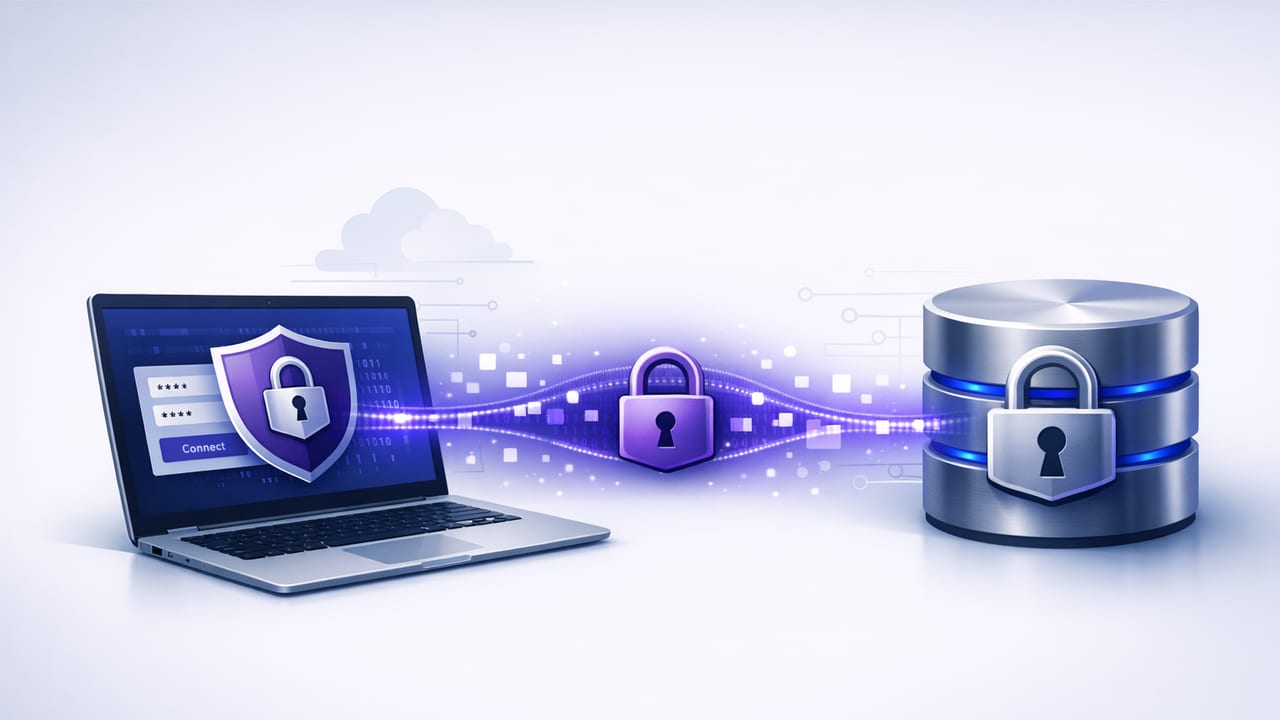
Database monitoring often starts simple: run a query on a schedule, compare results, send a notification. But as soon as that monitoring touches production data, transport security becomes non-negotiable. An encrypted database connection protects credentials in transit, reduces exposure to network interception, and helps you meet compliance expectations—without changing the read-only nature of your monitoring queries.
This guide explains how to set up and validate TLS/SSL for common SQL and NoSQL databases (PostgreSQL, MySQL, MongoDB), what “verify” modes actually mean, and how to handle certificates in a way that’s practical for monitoring tools, scripts, and mobile clients.
Why monitoring needs an encrypted database connection
Monitoring traffic is easy to overlook because it feels “internal” and “read-only.” But monitoring connections can still carry:
- Usernames and passwords (or tokens) during authentication
- Query text that may include sensitive filters or identifiers
- Result sets containing counts, customer data, financial totals, or operational metadata
An encrypted database connection ensures the channel is protected with TLS so data can’t be passively sniffed on Wi‑Fi, corporate networks, cloud VPC peering links, or misconfigured routing paths.
“Read-only” reduces impact on the database. Encryption reduces impact on your risk profile.
TLS basics (in practical terms)
TLS for databases usually involves three layers of decision-making:
- Encryption on: the connection is encrypted (confidentiality + integrity).
- Certificate validation: the client confirms it’s talking to the right server (prevents MITM).
- Client authentication (mTLS): the server also verifies the client via a client certificate (optional, stronger).
The most common monitoring failure mode is thinking encryption is enabled when it’s only “preferred,” or skipping validation because “it’s inside the network.” For monitoring, aim for encryption + validation by default.
Encryption and verification options compared
| Mode | Encrypted? | Validates server identity? | When it’s acceptable |
|---|---|---|---|
| Disable TLS | No | No | Almost never (local dev only) |
| Encrypt but don’t verify | Yes | No | Temporary testing; still vulnerable to MITM |
| Encrypt + verify CA | Yes | Yes (via trusted CA) | Recommended baseline for monitoring |
| Encrypt + verify CA + hostname | Yes | Yes (strong) | Best practice, especially across networks |
| mTLS (client cert) | Yes | Yes | High-security environments; great for automation |
PostgreSQL: enforcing TLS and verifying certificates
PostgreSQL supports several sslmode options. For monitoring, the most relevant are:
require: encrypts but doesn’t verify the server certificateverify-ca: verifies the certificate is signed by a trusted CAverify-full: verifies CA and hostname (recommended)
Example connection string (verify-full)
postgresql://monitor_ro:REDACTED@db.example.com:5432/appdb?sslmode=verify-full&sslrootcert=/path/to/ca.pemTips that prevent headaches:
- Hostname must match the certificate’s SAN/CN when using
verify-full. If you connect by IP, your cert must include that IP in SAN. - Pin the CA via
sslrootcert(or your platform trust store). Avoid “accept any cert” modes. - Confirm from the server side: in PostgreSQL, you can check if a session uses TLS with:
SELECT pid, usename, client_addr, ssl
FROM pg_stat_ssl
JOIN pg_stat_activity USING (pid);
Server-side reminder
Client settings only work if the server is configured for TLS. On the server, you typically set ssl=on and provide ssl_cert_file and ssl_key_file, plus (optionally) ssl_ca_file for mTLS. Then, enforce encryption with pg_hba.conf rules that require hostssl instead of host.
MySQL: SSL modes and the “it connected, but is it encrypted?” problem
MySQL (and compatible engines) often allow SSL without enforcing it, depending on server and user settings. For monitoring, you want two things:
- Require encrypted transport
- Verify the server certificate using a CA bundle
Client example (CLI) with verification
mysql \
  --host=db.example.com \
  --user=monitor_ro \
  --password \
  --ssl-mode=VERIFY_IDENTITY \
  --ssl-ca=/path/to/ca.pem
VERIFY_IDENTITY is the close equivalent of “verify-full”: it verifies CA and hostname. If you can’t use hostname validation immediately, VERIFY_CA is still better than “required but not verified.”
Confirm encryption is active
SHOW SESSION STATUS LIKE 'Ssl_cipher';If the value is empty, the session is not encrypted.
Enforce SSL at the user level (common hardening)
ALTER USER 'monitor_ro'@'%' REQUIRE SSL;This helps ensure your monitoring account can’t accidentally connect without TLS, even if a client is misconfigured.
MongoDB: TLS configuration that’s safe for automation
MongoDB uses TLS options that vary a bit by driver, but the concepts are consistent: enable TLS, provide a CA file, and decide whether to use client certificates.
Connection string example (CA + hostname validation)
mongodb://monitor_ro:REDACTED@db.example.com:27017/app?tls=true&tlsCAFile=/path/to/ca.pemIf you’re using a private CA, make sure your monitoring environment can access that CA bundle. Avoid disabling validation (e.g., “allow invalid certificates”) except as a short-lived debugging step.
mTLS example (client cert)
mongodb://monitor_ro@db.example.com:27017/app?tls=true&tlsCAFile=/path/to/ca.pem&tlsCertificateKeyFile=/path/to/client.pemCertificate management for monitoring tools (what to actually do)
Certificates are where monitoring setups usually fail in production—less because of cryptography and more because of lifecycle and storage. A pragmatic approach:
1) Prefer a real CA chain over self-signed leaf certs
Self-signed leaf certificates can work, but they often lead to “disable verification” workarounds. Better options:
- Use an internal CA and distribute the CA certificate to monitoring clients
- Use a managed database provider’s recommended CA bundle
2) Rotate certificates before they expire
Monitoring tends to be “set and forget,” which makes it a common victim of expired cert outages. Put reminders into your ops calendar, or automate checks to alert on upcoming expiration.
3) Store secrets securely on clients
For scripts, use a secrets manager and short-lived credentials when possible. For mobile or desktop monitoring apps, rely on platform secure storage (e.g., iOS Keychain) instead of embedding certificates or passwords in files.
4) Avoid mixing certificate bundles
Many TLS errors come from using the wrong CA file (or an incomplete chain). When you download a provider CA bundle, use it as-is and keep it versioned.
How to validate your encrypted database connection end-to-end
Don’t assume “TLS enabled” means “TLS verified.” Validate from both sides.
Client-side checks
- Enable strict verification modes (
verify-full,VERIFY_IDENTITY, CA file required). - Log the negotiated TLS protocol and cipher if your driver supports it.
- Ensure hostnames match the certificate SAN.
Server-side checks
- PostgreSQL: inspect
pg_stat_sslforssl=true - MySQL: check that users require SSL and sessions show a non-empty
Ssl_cipher - MongoDB: review server logs/config to confirm TLS is enforced
Common TLS pitfalls in database monitoring (and fixes)
“It works in staging, fails in prod”
Production often uses different endpoints (load balancers, proxies, private DNS names). If the certificate doesn’t include the exact hostname you connect to, hostname verification fails. Fix by:
- Connecting via the hostname listed in the certificate SAN
- Issuing a cert that includes the correct DNS names (and IPs if needed)
Using IP addresses with verify-full/identity checks
IP connections are common for internal tooling, but certificates frequently omit IP SANs. Either add the IP to SAN when issuing the certificate or switch to DNS.
Old drivers and TLS versions
Some older clients negotiate weak TLS versions or fail against newer servers that disable legacy protocols. Keep database drivers updated in monitoring agents and automation environments.
“Encrypt but don’t verify” becomes permanent
This is the biggest security regression. If you must temporarily use non-verifying modes to restore service, create a ticket with an owner and deadline to move to verification. Treat it like a severity bug.
Designing monitoring queries with encryption in mind
TLS protects data in transit, but you can further reduce exposure by limiting what you transmit:
- Prefer aggregates (counts, sums, max timestamps) over raw rows for alert triggers
- Use read-only roles and narrow grants to only required schemas/collections
- Return minimal columns needed to evaluate alert conditions
That combination—least privilege + minimal results + an encrypted database connection—keeps monitoring both effective and safer.
Quick checklist
- Enable TLS on the database server and enforce it for the monitoring user.
- Use verification:
verify-full/VERIFY_IDENTITY/ CA validation. - Confirm encryption with server-side session views/status checks.
- Manage certificates: store CA bundles safely, rotate before expiry.
- Keep drivers current to avoid protocol and cipher issues.
Closing thought
Monitoring is supposed to reduce operational risk, not introduce it. When your alerts depend on database queries, building a properly verified encrypted database connection is one of the highest-leverage improvements you can make—often with just a few connection-string changes and a reliable CA distribution process.
If you’re implementing query-based alerts on iOS, tools like Query Alert typically support encrypted connections and read-only querying patterns—so you can focus on alert logic while keeping transport security strong.