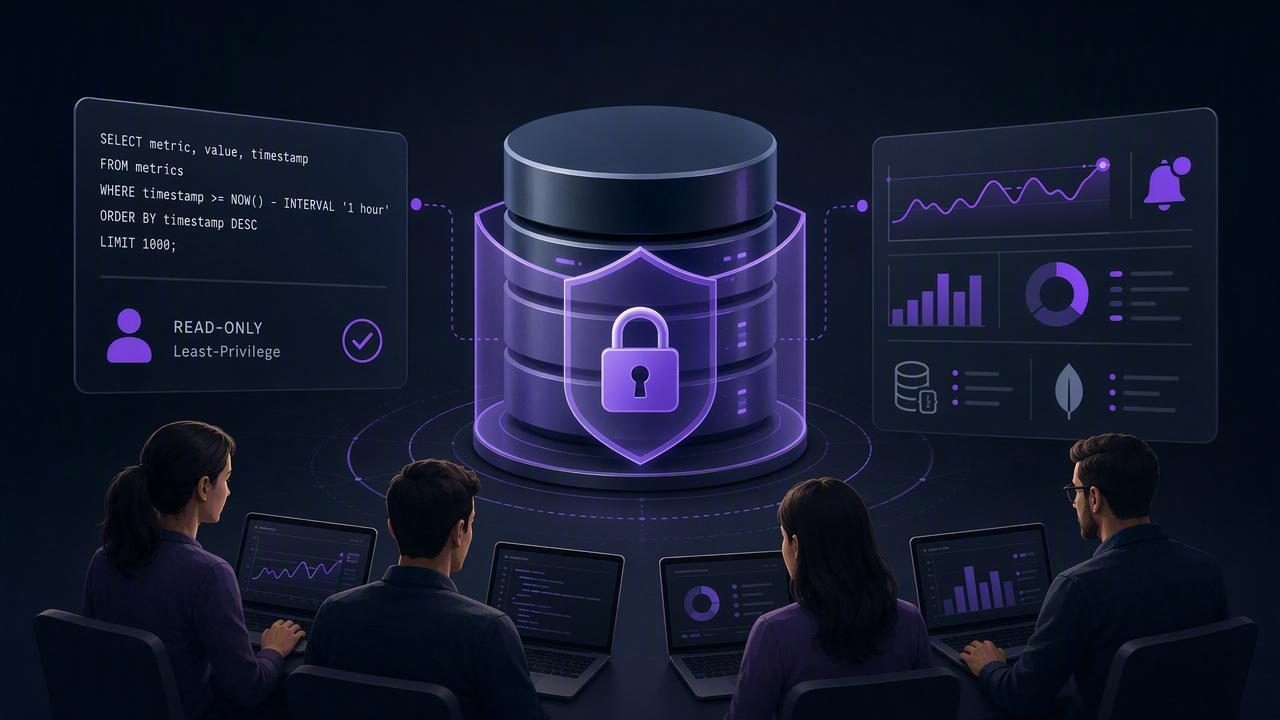
Teams often discover database issues the hard way: a drop in signups, a stuck job queue, a sudden spike in failed payments, or a missing record that breaks an integration. The goal of encrypted read only database monitoring for teams is to catch those changes early—without adding risk to production or creating noisy dashboards that nobody trusts.
This guide focuses on a secure, low-impact pattern: run read-only checks on a schedule, over encrypted connections, with clear alert thresholds and auditability. It works whether you monitor PostgreSQL, MySQL, or a NoSQL store like MongoDB.
What “encrypted, read-only monitoring” means (and why teams choose it)
There are many ways to monitor databases (agents, log shipping, APM, CDC streams). Read-only query monitoring is different: it treats your database as a source of truth and periodically asks it targeted questions like “How many failed jobs in the last 10 minutes?” or “Did today’s order count drop below expected?”
- Encrypted: connections use TLS end-to-end; secrets are stored safely; certificates are verified.
- Read-only: the monitoring principal cannot modify data—no writes, no DDL, ideally no temp tables.
- Team-friendly: access, ownership, and on-call routing are clear; alerts are actionable and low-noise.
Principle: Monitoring should reduce operational risk, not introduce a new path to production changes.
Core architecture: a safe monitoring loop
A reliable pattern looks like this:
- Define a small set of “health questions” your database can answer quickly.
- Run each question on a schedule (every minute to hourly, depending on the signal).
- Compare the result to a threshold or expected range.
- Notify the right humans or systems when it deviates.
- Log results and changes for auditing and tuning.
The rest of this article is about making that loop secure, low-impact, and maintainable for a team.
Security baseline: encryption, identity, and least privilege
1) Enforce TLS and verify certificates
“Encryption” is not just turning on TLS—it’s ensuring it’s the connection you think it is.
- Prefer TLS with certificate verification (CA validation, hostname verification).
- Avoid “trust all certificates” settings, especially on mobile networks or shared Wi‑Fi.
- Rotate certificates and secrets like any other production credential.
Practical tip: if you must traverse public networks, place the database behind a VPN, private link, or bastion, then run TLS inside that tunnel as well. Defense in depth beats “either/or.”
2) Create a dedicated read-only user (per environment)
Teams get into trouble when monitoring reuses an admin account “temporarily.” Don’t. Create a dedicated principal with only the permissions required to read exactly what your checks need.
PostgreSQL example (read-only role):
-- Create a login role
CREATE ROLE monitor_user LOGIN PASSWORD 'REDACTED';

-- Allow connection to the database
GRANT CONNECT ON DATABASE app_prod TO monitor_user;

-- Read-only access to specific schemas
GRANT USAGE ON SCHEMA public TO monitor_user;
GRANT SELECT ON ALL TABLES IN SCHEMA public TO monitor_user;

-- Ensure future tables remain readable
ALTER DEFAULT PRIVILEGES IN SCHEMA public
GRANT SELECT ON TABLES TO monitor_user;
MySQL example (least privilege):
CREATE USER 'monitor_user'@'%' IDENTIFIED BY 'REDACTED';
GRANT SELECT, SHOW VIEW ON app_prod.* TO 'monitor_user'@'%';
FLUSH PRIVILEGES;
For MongoDB, prefer a user with the minimum roles to run the specific read operations you need, typically read on specific databases/collections.
3) Restrict network access
- IP allowlists (or private networking) for the monitoring source.
- Separate production and staging credentials and never cross them.
- Disable inbound from the public internet where possible; route through private endpoints.
4) Store secrets safely and rotate them
Teams should treat monitoring credentials like any service credential:
- Use a secrets manager (or OS keychain) rather than hardcoding.
- Rotate regularly and immediately after offboarding.
- Prefer short-lived tokens where supported.
Low-impact query design: make checks fast, predictable, and safe
Read-only doesn’t automatically mean “safe.” A poorly designed query can lock rows, saturate disks, or crush a primary under peak traffic. Use these patterns to reduce impact.
Pattern A: Query narrow time windows
Instead of “count everything,” count what changed recently.
-- Postgres: failed jobs in last 10 minutes
SELECT COUNT(*) AS failed_jobs
FROM jobs
WHERE status = 'failed'
  AND updated_at > NOW() - INTERVAL '10 minutes';
Add an index that matches the access pattern (e.g., (status, updated_at)) if this becomes a core signal.
Pattern B: Use thresholds and baselines (not single-point numbers)
Teams often alert on absolute values (“failed_jobs > 0”) and drown in noise. Better signals compare against normal behavior: rate, ratio, or deviation.
-- Postgres: error rate over last 15 minutes
SELECT
  100.0 * SUM(CASE WHEN outcome = 'error' THEN 1 ELSE 0 END) / NULLIF(COUNT(*), 0) AS error_rate_pct
FROM api_requests
WHERE created_at > NOW() - INTERVAL '15 minutes';
Alert when the rate exceeds an agreed threshold (for example, 2–5%) and add a second condition like “at least N requests” to avoid tiny-sample false positives.
Pattern C: Prefer replicas for heavier reads
If you have read replicas, route monitoring checks there—especially for aggregation queries. If you must query the primary, keep checks extremely lightweight and infrequent.
Pattern D: Guardrails against runaway queries
- Set statement timeouts (Postgres:
statement_timeout). - Cap result sets (
LIMIT) unless you genuinely need a full scan. - Avoid unindexed regex/LIKE searches on large tables.
- In MongoDB, ensure the pipeline can use indexes and avoid unbounded
$lookupwhere possible.
SQL and NoSQL examples teams actually alert on
Example 1: “Orders dropped below expected” (SQL)
A common business-impacting signal is a sudden order drop. Monitor a rolling window and compare to a floor.
-- MySQL: orders in last 30 minutes
SELECT COUNT(*) AS orders_30m
FROM orders
WHERE created_at > NOW() - INTERVAL 30 MINUTE;
Team rule idea: alert if orders_30m is below a known minimum during business hours, or if it’s 60% below the same time yesterday (seasonality-aware).
Example 2: “Backlog is growing” (SQL)
-- Postgres: queue depth and oldest pending age
SELECT
  COUNT(*) AS pending_count,
  EXTRACT(EPOCH FROM (NOW() - MIN(created_at)))::int AS oldest_pending_seconds
FROM jobs
WHERE status = 'pending';
This yields two strong alert dimensions: count and age. Age is often more actionable than count.
Example 3: “New error codes appeared” (MongoDB)
// MongoDB aggregation: distinct error codes in last 10 minutes
db.api_logs.aggregate([
  { $match: { ts: { $gt: new Date(Date.now() - 10*60*1000) }, level: "error" } },
  { $group: { _id: "$error_code", count: { $sum: 1 } } },
  { $sort: { count: -1 } },
  { $limit: 20 }
]);
Alerting approach: notify when a previously unseen error_code shows up above a small count threshold, then include the top codes in the alert payload.
Team operations: reduce alert fatigue and speed up triage
1) Define ownership and escalation paths
Every alert should answer two questions:
- Who owns this? (team/service)
- What’s the first action? (runbook link, dashboard, or query to validate)
2) Use severity levels and routing
- SEV3 (info): non-urgent anomalies, email or daily digest.
- SEV2 (action soon): elevated errors/backlog, notify on-call channel.
- SEV1 (urgent): revenue-impacting or availability-impacting, page on-call.
3) Add context to alerts
A good alert includes: the metric, the threshold, the time window, and at least one comparison point (previous value, baseline, or last-known-good). If the monitoring system supports it, attach the query name and sanitized query text.
Risk & mitigation checklist (for security reviews)
| Risk | What it looks like | Mitigation |
|---|---|---|
| Credential misuse | Monitoring account can write or access sensitive tables | Dedicated user, least privilege, schema/table allowlists, periodic audits |
| MITM or unsafe transport | Traffic intercepted; “TLS but not verified” | TLS with cert validation, private networking/VPN, key rotation |
| Performance impact | Monitoring queries spike CPU/IO or lock rows | Indexes, narrow windows, replicas, timeouts, query review process |
| Alert fatigue | Too many notifications; alerts ignored | Thresholds + baselines, deduping, severity routing, maintenance windows |
| Data leakage in notifications | PII appears in emails/push messages | Send counts/IDs only, redact fields, minimize payloads, secure channels |
A practical rollout plan for teams
- Start with 5–10 queries that reflect user pain: payments, signups, queue depth, error rate, replication lag.
- Review each query for indexes, time windows, and expected runtime; set timeouts.
- Create read-only users per environment; document permissions; store secrets securely.
- Pick intervals: faster for volatile metrics (1–5 min), slower for trends (15–60 min).
- Write a one-page runbook per critical alert: validation query, likely causes, rollback steps.
- Tune thresholds for two weeks; reduce noise before expanding coverage.
Closing note
Encrypted, read-only database monitoring is one of the simplest ways for teams to detect real production issues early while keeping the security posture tight: minimal privileges, encrypted transport, and queries designed to be predictable. Whether you implement it with scripts, internal tooling, or an iOS-based approach, the key is consistency: small checks, clear thresholds, and disciplined access control. (Some teams use tools like Query Alert to turn these queries into scheduled notifications.)