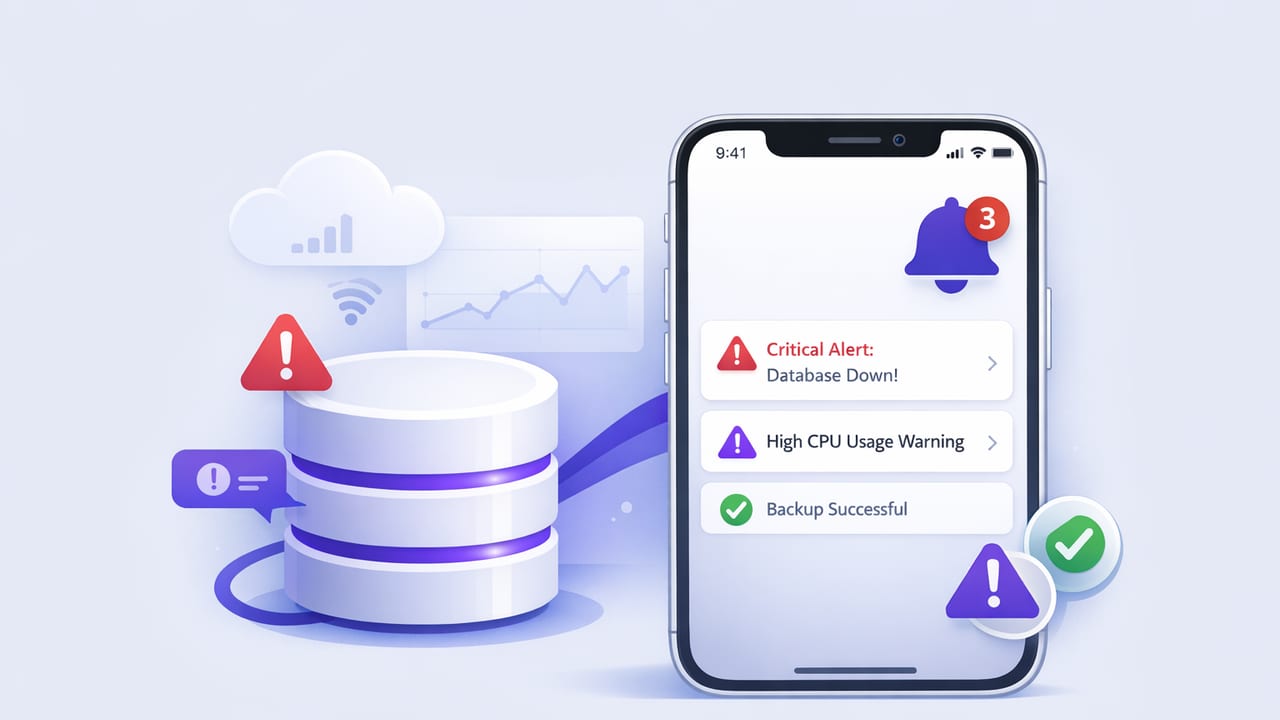
Database monitoring usually starts in dashboards and ends in alerts. The hard part isn’t getting any notification—it’s getting the right notification, at the right time, with enough context to act quickly. That’s why an iOS app for database alerts can be so effective: it meets developers and analysts where they already are, while keeping the signal-to-noise ratio under control.
This guide focuses on query-based alerting for SQL and NoSQL databases—turning read-only checks into reliable, mobile-friendly alerts. You’ll learn what to alert on, how to write checks that won’t spam you, and how to keep connections secure.
Why mobile database alerts are different (and often better)
Mobile alerts succeed when they’re brief, trustworthy, and actionable. Unlike a wall of graphs, a phone notification forces clarity. That constraint is helpful: it pushes you to design alerts that answer three questions immediately:
- What happened? (symptom)
- What does it affect? (scope/impact)
- What should I do next? (action)
Rule of thumb: If a notification can’t be acted on in two minutes, it probably belongs in a dashboard, not as a push alert.
What to alert on: focus on outcomes, not raw metrics
Traditional monitoring tools often emphasize system metrics (CPU, disk, connections). Those are valuable, but database users typically need data outcomes too—especially for analytics, product health, and job pipelines.
High-value alert categories
- Data freshness: a critical table hasn’t updated recently.
- Backlog / stuck workflows: queued jobs, pending payments, unprocessed events.
- Integrity anomalies: missing foreign keys, unexpected null rates, duplicates.
- Business KPI guardrails: orders drop below threshold, error rate spikes.
- Security signals: unexpected admin users, suspicious changes (when safe to query).
These are ideal for query-based checks because they can be expressed as counts, timestamps, ratios, and comparisons—all via read-only queries.
The query-based alert model
Query-based alerts treat your database as the source of truth and use a simple contract:
- Run a query on a schedule.
- Convert the result into a boolean condition (alert vs. ok) or a threshold comparison.
- Notify via push/email when the condition is met (and optionally when it clears).
This model is powerful because it’s:
- Portable across PostgreSQL, MySQL, MongoDB, etc.
- Explainable: the alert is literally “what the query returned.”
- Low overhead when queries are indexed and scoped.
Design principles for low-noise alerts
Noisy alerts train teams to ignore notifications. Use these principles to keep an iOS alert stream trustworthy.
1) Prefer “breach + persistence” over instant spikes
Instead of alerting the first time a threshold is crossed, require it to persist for N runs (or N minutes). This reduces flapping and transient spikes.
2) Add context in the query result
A count alone may not be enough. Return a small set of identifiers or a short summary that helps triage.
3) Control frequency with schedules and cooldowns
Run frequent checks only for the most critical signals, and add a cooldown to avoid repeated alerts while an incident is ongoing.
4) Keep queries cheap
Alerts should not become a monitoring-induced outage. Use indexes, time windows, and limits. Avoid full-table scans and unbounded aggregations.
5) Encode ownership
Even a personal iOS alert setup benefits from tagging: “Payments”, “ETL”, “Search”, “Growth KPI”. Ownership reduces “someone should look at this” ambiguity.
Practical query patterns (SQL)
Below are patterns you can adapt for PostgreSQL or MySQL. They’re designed to be read-only, fast, and alert-friendly.
Pattern A: Data freshness (last update too old)
Goal: alert if no rows have been updated in the last 15 minutes.
-- Postgres/MySQL (adjust interval syntax per engine)
SELECT
  NOW() AS checked_at,
  MAX(updated_at) AS last_updated_at,
  TIMESTAMPDIFF(MINUTE, MAX(updated_at), NOW()) AS minutes_stale
FROM events
WHERE updated_at >= NOW() - INTERVAL 1 DAY;
Alert condition: minutes_stale > 15
Why the WHERE clause matters: it narrows the scan to a time window where an index on updated_at can be used efficiently.
Pattern B: Backlog (queued jobs growing)
Goal: alert when pending jobs exceed a threshold.
SELECT
  queue,
  COUNT(*) AS pending
FROM job_queue
WHERE status = 'pending'
GROUP BY queue
HAVING COUNT(*) > 500
ORDER BY pending DESC
LIMIT 5;
Alert condition: any rows returned (non-empty result set). The LIMIT keeps the payload small for mobile notifications.
Pattern C: Error rate (ratio over last N minutes)
Goal: alert when error rate exceeds 2% over the last 10 minutes.
SELECT
  SUM(CASE WHEN status = 'error' THEN 1 ELSE 0 END) AS errors,
  COUNT(*) AS total,
  (SUM(CASE WHEN status = 'error' THEN 1 ELSE 0 END) / COUNT(*)) * 100 AS error_pct
FROM api_requests
WHERE created_at >= NOW() - INTERVAL 10 MINUTE;
Alert condition: total > 200 AND error_pct > 2. Adding a minimum volume prevents noise during low-traffic periods.
Practical query patterns (MongoDB)
For MongoDB, you’ll typically use a filter + aggregation. Keep the pipeline narrow and indexed (often on createdAt, status, or tenant keys).
Pattern D: Stuck documents (state hasn’t advanced)
// Find workflows in 'processing' for more than 20 minutes
db.workflows.countDocuments({
  state: "processing",
  updatedAt: { $lt: new Date(Date.now() - 20 * 60 * 1000) }
});
Alert condition: count > 0 (or > a threshold if your normal baseline includes some long runners).
Pattern E: Top offenders for triage context
db.payments.aggregate([
  { $match: { status: "failed", createdAt: { $gte: new Date(Date.now() - 60*60*1000) } } },
  { $group: { _id: "$errorCode", failures: { $sum: 1 } } },
  { $sort: { failures: -1 } },
  { $limit: 3 }
]);
Alert condition: total failures > threshold. Mobile-friendly output: the top 1–3 error codes, not a full dump of documents.
Scheduling strategy: match check frequency to impact
One of the biggest drivers of alert quality is how often you run checks. Too frequent and you amplify noise; too slow and you miss the window to respond.
| Use case | Suggested interval | Typical condition | Notes |
|---|---|---|---|
| Payments / outages | 1–3 minutes | error rate, backlog | Add persistence (2–3 runs) and cooldowns |
| ETL freshness | 5–15 minutes | staleness, missing partitions | Align with pipeline cadence |
| Business KPI guardrails | 15–60 minutes | threshold vs baseline | Use volume gates to avoid low-traffic noise |
| Integrity checks | Daily or hourly | duplicates, null spikes | Often better as email than push |
Push vs email: choose the right delivery method
An iOS workflow often uses both. Push is for urgency; email is for detail and auditability.
- Push notifications: best for incidents that need near-term action.
- Email: best for reports, summaries, and checks that require more context.
Regardless of channel, include: metric value, time window, threshold, and ideally a linkable identifier (job ID, tenant ID, error code).
Security fundamentals for query-based database alerts
An iOS app for database alerts must treat credentials and connectivity as first-class concerns. Even if you’re only running read-only checks, security posture matters.
Use least privilege (read-only, scoped)
- Create a dedicated monitoring user.
- Grant SELECT-only access to the minimum schema/tables.
- Restrict access by IP/VPN when feasible.
Encrypt connections (TLS)
Use TLS for database connections and verify certificates. Avoid “accept any certificate” modes outside of local development.
Prevent accidental write queries
Guardrails help: allow only read-only queries, block multi-statement execution, and avoid credentials with write permissions.
Minimize sensitive data in alert payloads
Alerts should rarely include raw PII. Prefer counts, hashes, IDs, or truncated values. A safe alert answers “what changed” without leaking “who exactly.”
A practical checklist for building reliable database alerts
- Define the action: what should someone do when this triggers?
- Write the smallest query that answers the question with an index-friendly filter.
- Set thresholds and add a minimum volume gate (when applicable).
- Add persistence (e.g., breach 2 of 3 runs) to reduce flapping.
- Choose channel: push for urgent, email for detailed.
- Secure access: read-only user + TLS + scoped permissions.
- Test with backfilled scenarios: simulate normal, breach, and recovery.
- Review monthly: remove alerts that don’t drive action.
How to evaluate an iOS app for database alerts
If you’re selecting a tool (or defining requirements for one), prioritize:
- Multi-database support (common SQL + MongoDB) and flexible query execution
- Scheduling controls (intervals, quiet hours, cooldowns)
- Multiple notification methods (push + email at minimum)
- Security features (TLS, encrypted storage, read-only enforcement)
- Alert formatting that can include query results without dumping sensitive data
As you implement this approach, you’ll find that the “best” alerts are often simple: a small query, a clear threshold, and a notification that tells you exactly what changed. If you want an example of an iOS-first workflow built around query-to-alert patterns, Query Alert is one option teams use to turn SQL/NoSQL checks into push and email notifications.