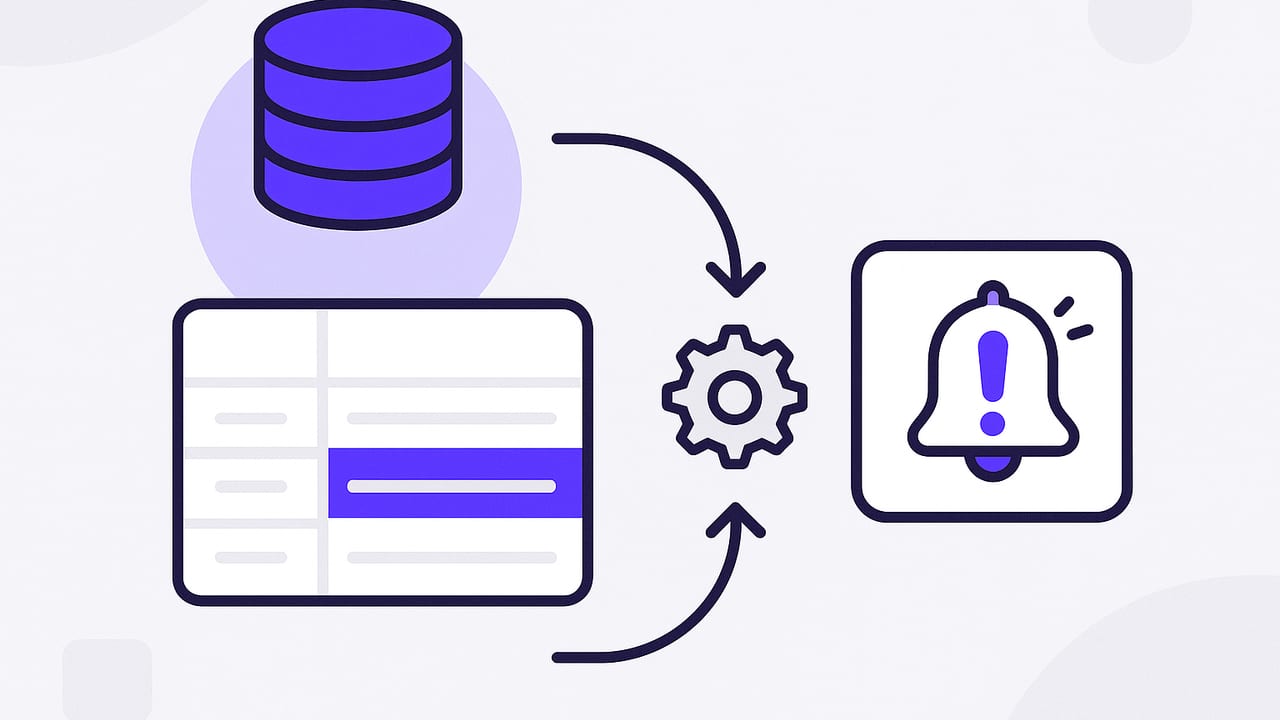
If you need alerts when postgres row changes, you have a few proven options in PostgreSQL. This guide walks through three primary patterns—triggers with LISTEN/NOTIFY, change data capture (CDC), and scheduled polling—including when to use each, how to implement them, and how to keep your alerts secure, fast, and reliable.
The Three Primary Ways to Detect and Alert on Row Changes
There is no single “best” way. Your choice depends on latency, durability, complexity, and operational constraints. Below are the most common designs.
1) Triggers with LISTEN/NOTIFY (near real-time, lightweight)
How it works: A row-level trigger fires on INSERT/UPDATE/DELETE, builds a small JSON payload, and calls pg_notify. A separate process listens with LISTEN and reacts in near real-time.
-- 1) Create a trigger function that publishes a JSON payload
CREATE OR REPLACE FUNCTION notify_order_change() RETURNS trigger AS $$
DECLARE payload json;
BEGIN
  payload := json_build_object(
    'table', TG_TABLE_NAME,
    'op', TG_OP,
    'id', COALESCE(NEW.id, OLD.id),
    'at', now()
  );
  PERFORM pg_notify('order_changes', payload::text);
  RETURN CASE WHEN TG_OP = 'DELETE' THEN OLD ELSE NEW END;
END;
$$ LANGUAGE plpgsql;

-- 2) Attach it to a table
CREATE TRIGGER orders_notify
AFTER INSERT OR UPDATE OR DELETE ON orders
FOR EACH ROW EXECUTE FUNCTION notify_order_change();
Listener example (Node.js):
const { Client } = require('pg');

async function main() {
  const client = new Client({ connectionString: process.env.DATABASE_URL });
  await client.connect();
  await client.query('LISTEN order_changes');

  client.on('notification', (msg) => {
    // msg.payload is JSON text from the trigger
    const event = JSON.parse(msg.payload);
    console.log('Row change:', event);
    // Decide whether to alert, then send email/push/etc.
  });
}

main().catch(console.error);
Pros: very low latency, easy to start, minimal infrastructure. Cons: notifications are ephemeral (no built-in replay); if the listener is down, you can miss messages. This can be mitigated with an outbox table (discussed below).
2) Change Data Capture (CDC) via Logical Decoding (durable, scalable)
How it works: Enable logical decoding and read changes from the WAL (write-ahead log) using pgoutput or a plugin (e.g., Debezium). A connector streams inserts/updates/deletes into a message bus (Kafka, Redis Streams, Webhooks) where your alerting worker consumes them.
-- Ensure the primary key and full row image for updates/deletes
ALTER TABLE orders REPLICA IDENTITY FULL;

-- Publish the table's changes
CREATE PUBLICATION app_pub FOR TABLE orders;
Then configure a CDC tool to create a replication slot and subscribe to app_pub. The tool will deliver ordered change events you can filter and turn into alerts.
Pros: durable stream with replay, ordering, and scale; works across many tables/services. Cons: extra infrastructure and ops (replication slots, connectors), more complexity than triggers.
3) Scheduled Polling (simplest to operate, higher latency)
How it works: Run a query at intervals to find rows changed since the last run (e.g., using an indexed updated_at timestamp or a monotonically increasing version column). Send alerts for new results, then persist a high-water mark.
-- Schema suggestion
ALTER TABLE orders
  ADD COLUMN updated_at timestamptz NOT NULL DEFAULT now();

CREATE INDEX ON orders (updated_at);

-- Ensure updates bump the timestamp
CREATE OR REPLACE FUNCTION touch_updated_at() RETURNS trigger AS $$
BEGIN
  NEW.updated_at := now();
  RETURN NEW;
END;$$ LANGUAGE plpgsql;

CREATE TRIGGER orders_touch
BEFORE UPDATE ON orders
FOR EACH ROW EXECUTE FUNCTION touch_updated_at();

-- Polling query (run every N seconds)
SELECT id, customer_id, total
FROM orders
WHERE updated_at >= now() - interval '60 seconds'
ORDER BY updated_at ASC;
Pros: very simple, no triggers or replication needed. Cons: not real-time; careful tuning to avoid misses or duplicates; heavier queries if the time window is large without good indexes.
Choosing the Right Pattern
Use this quick comparison to decide.
| Method | Latency | Durability | Complexity | Best for |
|---|---|---|---|---|
| Trigger + LISTEN/NOTIFY | Near real-time | Ephemeral (no replay) | Low | Single app, quick alerts, small scale |
| CDC (Logical Decoding) | Near real-time | High (replayable streams) | Medium-High | Distributed systems, audit, resilient alerting |
| Scheduled Polling | Seconds to minutes | High (source of truth is the table) | Low | Simplicity, low ops, non-critical alerts |
Design Tips for Reliable Alerts
Use an Outbox Table for Durability
LISTEN/NOTIFY alone can drop messages if your listener is offline. A common fix is the outbox pattern: write a durable event row in the same transaction as the change, then optionally use NOTIFY to wake consumers for faster processing.
-- Durable outbox table
CREATE TABLE order_events (
  id bigserial PRIMARY KEY,
  order_id bigint NOT NULL,
  op text NOT NULL,
  created_at timestamptz NOT NULL DEFAULT now(),
  payload jsonb NOT NULL
);

-- In your trigger, insert into outbox and optionally NOTIFY
CREATE OR REPLACE FUNCTION orders_outbox() RETURNS trigger AS $$
DECLARE p jsonb;
BEGIN
  p := jsonb_build_object(
    'table', TG_TABLE_NAME,
    'op', TG_OP,
    'id', COALESCE(NEW.id, OLD.id),
    'total', COALESCE(NEW.total, OLD.total),
    'at', now()
  );
  INSERT INTO order_events(order_id, op, payload)
  VALUES (COALESCE(NEW.id, OLD.id), TG_OP, p);

  PERFORM pg_notify('order_events_ready', '1'); -- wake listeners
  RETURN CASE WHEN TG_OP = 'DELETE' THEN OLD ELSE NEW END;
END;$$ LANGUAGE plpgsql;
Your worker process:
- LISTENs on
order_events_readyfor low latency, and - Polls
order_eventswith an increasingidorcreated_atto safely catch up after restarts.
Make Alerts Idempotent
Network hiccups and retries happen. Include a stable event id in your notification. Store processed event_ids in a small cache table or in your messaging system to avoid duplicate alerts.
Filter Early to Reduce Noise
Many teams only want alerts for material changes (e.g., total > threshold, status transitions). Apply this logic in the trigger or in your worker to avoid alert fatigue.
-- Only notify when order total crosses a threshold
CREATE OR REPLACE FUNCTION notify_big_order() RETURNS trigger AS $$
BEGIN
  IF TG_OP IN ('INSERT','UPDATE') AND NEW.total >= 1000 THEN
    PERFORM pg_notify('big_orders', json_build_object('id', NEW.id, 'total', NEW.total)::text);
  END IF;
  RETURN COALESCE(NEW, OLD);
END;$$ LANGUAGE plpgsql;
Respect Performance
- Keep trigger code tiny; do not call external services inside the database.
- Index columns used by polling (
updated_at, status, etc.). - Batch alerts on the consumer side to avoid email/push rate limits.
Security and Least Privilege
- Grant a dedicated role for listeners with read-only access to relevant tables (and to the outbox if used).
- Store secrets outside the database; use SSL/TLS for connections.
- If you expose alerts externally, redact PII and apply Row-Level Security where appropriate.
Example: End-to-End Alert When an Order Status Changes
Let’s wire a focused use case: alert whenever an order moves to shipped.
-- Trigger that captures a status transition to 'shipped'
CREATE OR REPLACE FUNCTION order_shipped_outbox() RETURNS trigger AS $$
BEGIN
  IF TG_OP = 'UPDATE' AND OLD.status IS DISTINCT FROM NEW.status
     AND NEW.status = 'shipped' THEN
    INSERT INTO order_events(order_id, op, payload)
    VALUES (
      NEW.id,
      'STATUS_SHIPPED',
      jsonb_build_object('id', NEW.id, 'at', now(), 'status', NEW.status)
    );
    PERFORM pg_notify('order_events_ready', '1');
  END IF;
  RETURN NEW;
END;$$ LANGUAGE plpgsql;

CREATE TRIGGER orders_status_outbox
AFTER UPDATE ON orders
FOR EACH ROW EXECUTE FUNCTION order_shipped_outbox();
Your worker listens, fetches new order_events rows with op = 'STATUS_SHIPPED', and sends a concise message to your chosen channel (push notification, email, chat).
Testing and Observability
- Local smoke test: Start a listener in one terminal (
LISTEN order_changes;), then perform anINSERTin another. Confirm payload shape. - Backpressure: For outbox processing, temporarily stop the worker and insert a burst of rows. Ensure it catches up without skipping.
- Metrics: Track time from DB change to alert, event processing lag, and alert send success/failure counts.
- Dead-letter strategy: If an alert fails after N retries, store it in a dead-letter table/queue for manual inspection.
FAQ
Will triggers slow down my writes?
Properly written triggers that only build small JSON and write to an outbox (or call pg_notify) add minimal overhead. Avoid heavy computation or external calls within triggers.
Can I guarantee ordering?
LISTEN/NOTIFY preserves order per backend session but does not guarantee global ordering under concurrency. If ordering matters, use an outbox with a monotonic key or CDC with ordered streams.
How do I handle deletes?
For triggers, use AFTER DELETE and include keys from OLD. For CDC, set REPLICA IDENTITY FULL to include before-images so you can identify which row was removed.
Do I need superuser privileges?
No. Creating triggers and calling pg_notify require appropriate privileges on the schema and functions, not superuser access. CDC setup may require elevated privileges depending on your hosting provider.
Putting It All Together
If you need quick, near real-time notifications and can tolerate ephemeral messages, use triggers + LISTEN/NOTIFY. If you require durability and replay, pick CDC. If simplicity and low ops matter most, choose polling with a well-indexed timestamp or version column. For robust production systems, combine an outbox table with NOTIFY for low-latency wakeups and durable catch-up.
Rule of thumb: Start simple, measure latency and reliability, and evolve toward an outbox or CDC only when your requirements demand it.
Finally, if you want a lightweight way to turn SQL queries into mobile-friendly alerts without building infrastructure, consider an iOS app like Query Alert that connects securely to Postgres and other databases and notifies you when important data changes.