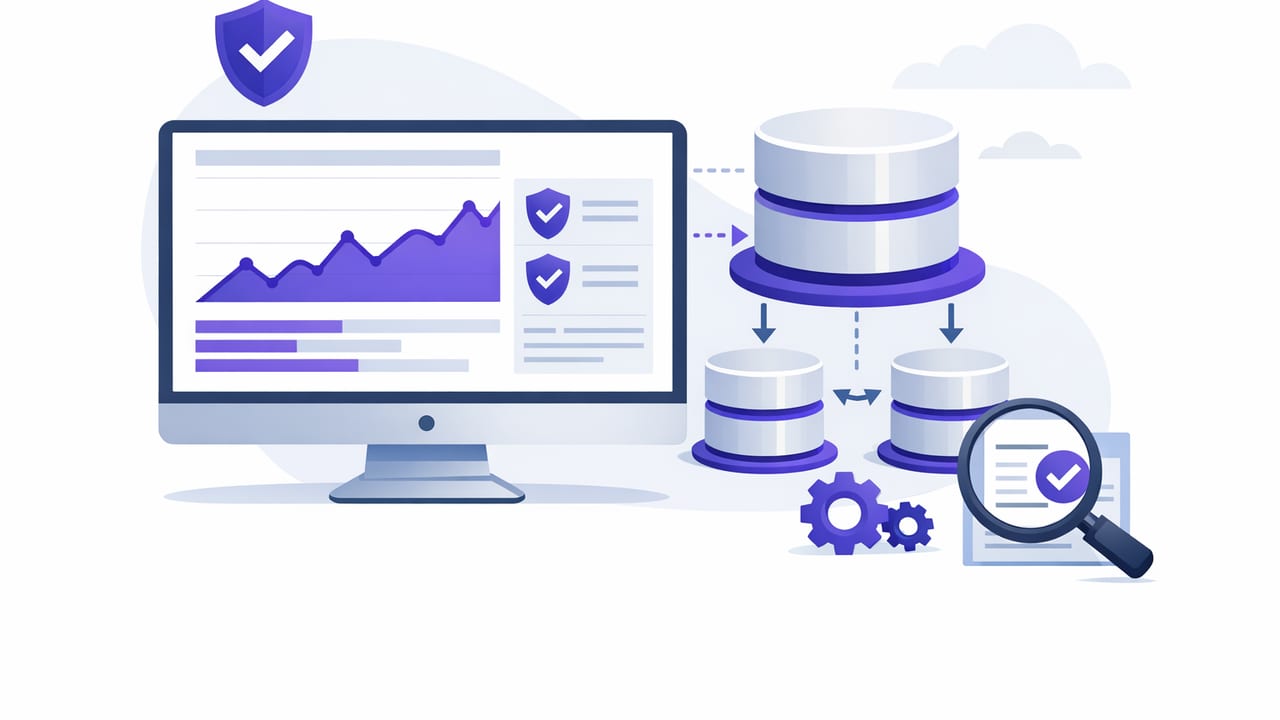
Read replicas are a common way to scale database reads, isolate analytics, and reduce load on primaries. But replicas introduce a new failure mode: the data you’re reading might be late, incomplete, or quietly broken. The hardest part is monitoring this without causing the very incident you’re trying to detect—especially when checks run frequently.
This guide explains how to monitor read replicas with safe queries: lightweight, read-only checks that avoid locks, minimize scanning, and still detect replication lag, staleness, and configuration drift across PostgreSQL, MySQL, and MongoDB-style replica sets.
What “safe queries” mean for replica monitoring
A monitoring query is “safe” when it has predictable cost and low operational risk. In practice, safe replica checks should:
- Be read-only and run under a dedicated role with minimal privileges.
- Avoid full table scans and large sorts/aggregations on big tables.
- Set a strict execution time limit (statement timeout / max execution time).
- Return small result sets (single row is ideal).
- Use indexed lookups and metadata/system views when possible.
Replica monitoring should be like a heartbeat monitor: frequent, reliable, and never the reason the patient’s vitals change.
The 5 replica health signals worth checking
You’ll get the most value by focusing on a small set of signals that map directly to user impact:
- Replication lag: how far behind the replica is (time- or bytes-based).
- Freshness of application data: “Does this replica contain updates from the last N minutes?”
- Read-only posture: is the replica actually read-only (and are you using a read-only role)?
- Replica availability: can you connect, and does a simple query succeed within a timeout?
- Drift: differences in schema, extensions, parameters, or indexes that cause query regressions.
Common pitfalls (and safer alternatives)
| Goal | Risky check | Safer check |
|---|---|---|
| Data freshness | COUNT(*) on a large table |
Read one indexed timestamp row (MAX on indexed column or ORDER BY/LIMIT) |
| Replica health | Complex join that mirrors production queries | Single-row system view query + one tiny app-level probe |
| Lag detection | Long-running query that waits on locks | System replication metrics with a hard timeout |
| Drift detection | Dump schema or scan information_schema repeatedly | Hash a small list of expected objects/versions, check periodically |
PostgreSQL: safe checks for streaming replicas
In Postgres, replicas are often “hot standbys.” Your safest signals usually come from built-in functions and stats views. Run these with a strict timeout and a role that can only read what’s needed.
1) Confirm you’re on a replica (and it’s accepting reads)
SELECT pg_is_in_recovery() AS is_replica;If pg_is_in_recovery returns false unexpectedly, you may be connected to the primary (routing issue) or a promoted replica.
2) Measure time-based replay lag (safe and fast)
SELECT EXTRACT(EPOCH FROM (now() - pg_last_xact_replay_timestamp())) AS replay_lag_seconds;This returns NULL if there’s no replay timestamp (for example, right after startup). Alert when lag breaches your SLO (e.g., > 30s for user-facing reads, maybe higher for analytics).
3) Add a hard query timeout (recommended)
For monitoring sessions, set a low timeout so checks fail fast rather than pile up:
SET statement_timeout = '2s';
SELECT pg_is_in_recovery();
4) App-level freshness probe (indexed, single-row)
System lag doesn’t always equal “fresh enough for my feature.” A common pattern is to probe the newest row in an append-only table that has an indexed timestamp:
SET statement_timeout = '2s';
SELECT created_at
FROM events
ORDER BY created_at DESC
LIMIT 1;
Then compare it to now() in your checker: if the latest event is older than expected, the replica may be lagging or ingestion may be down.
MySQL: safe checks for replicas
MySQL replica monitoring varies by version and topology (classic replication, GTID, Group Replication). The goal is still the same: prefer metadata over heavy application queries.
1) Basic “am I a replica?” and read-only posture
SHOW VARIABLES LIKE 'read_only';
SHOW VARIABLES LIKE 'super_read_only';
These should typically be ON for read replicas. If they flip off, a misconfiguration or promotion may have occurred.
2) Replication status and lag
On many setups, SHOW REPLICA STATUS (or older SHOW SLAVE STATUS) provides a lag estimate:
SHOW REPLICA STATUS;Look for fields like Seconds_Behind_Source (or Seconds_Behind_Master). Treat NULL carefully: it can mean “not replicating” rather than “no lag.”
3) Safe app-level freshness probe
Avoid aggregate counts. Prefer a single-row lookup on an indexed, monotonic column:
SELECT updated_at
FROM orders
ORDER BY updated_at DESC
LIMIT 1;
If you can’t rely on timestamps, probe a monotonically increasing ID:
SELECT MAX(id) AS max_id FROM orders;Note: MAX(id) is typically safe if id is indexed and the engine can use index statistics; verify with EXPLAIN on your environment.
MongoDB-style replica sets: safe checks on secondaries
For document stores with replica sets, you’ll often measure replication by comparing operation times between primary and secondary.
1) Replica set status (admin-only; use carefully)
db.adminCommand({ replSetGetStatus: 1 })This can be heavier than a simple find, and it requires privileges. If you can’t (or shouldn’t) grant that, prefer a lightweight application-level freshness probe.
2) Application-level freshness probe on a secondary
If you store an indexed updatedAt field:
db.events.find({}, { updatedAt: 1, _id: 0 })
  .sort({ updatedAt: -1 })
  .limit(1)
Use a strict max time in your driver (for example, maxTimeMS) and alert if the newest update is older than your threshold.
Designing alerts that don’t wake you up unnecessarily
Replica monitoring is noisy unless you add basic alert hygiene:
- Use two thresholds: warn at (e.g.) 30s lag, critical at 2–5 minutes.
- Require persistence: alert only if the breach lasts 2–3 consecutive checks.
- Segment by replica role: analytics replicas can have looser thresholds than user-facing replicas.
- Include context: replica identifier, region/zone, measured lag, and last successful check time.
A minimal “safe query” checklist (copy/paste for runbooks)
- Dedicated monitoring user with read-only permissions
- Connection uses TLS and verifies certificates
- Timeouts set (connect + query execution)
- Queries return one row and touch indexed columns
- Alerting rules use consecutive failures and severity tiers
- Document acceptable lag per workload (SLO)
Putting it together: a safe, portable pattern
If you want a single approach that works across engines, combine:
- System-level lag metric (when available and cheap)
- One application freshness probe (single-row, indexed)
- Fast-fail controls (timeouts, low privileges, read-only sessions)
This combination catches both infrastructure issues (replication stalled) and product-impacting issues (replica is “healthy” but too stale for your use case). It also keeps checks lightweight enough to run frequently—exactly what you want when you monitor read replicas with safe queries.
Tooling note
If you prefer running these checks from a mobile workflow and turning query results into notifications, an iOS app like Query Alert can schedule read-only queries and alert on thresholds—provided you follow the same safety rules around permissions, timeouts, and query design.