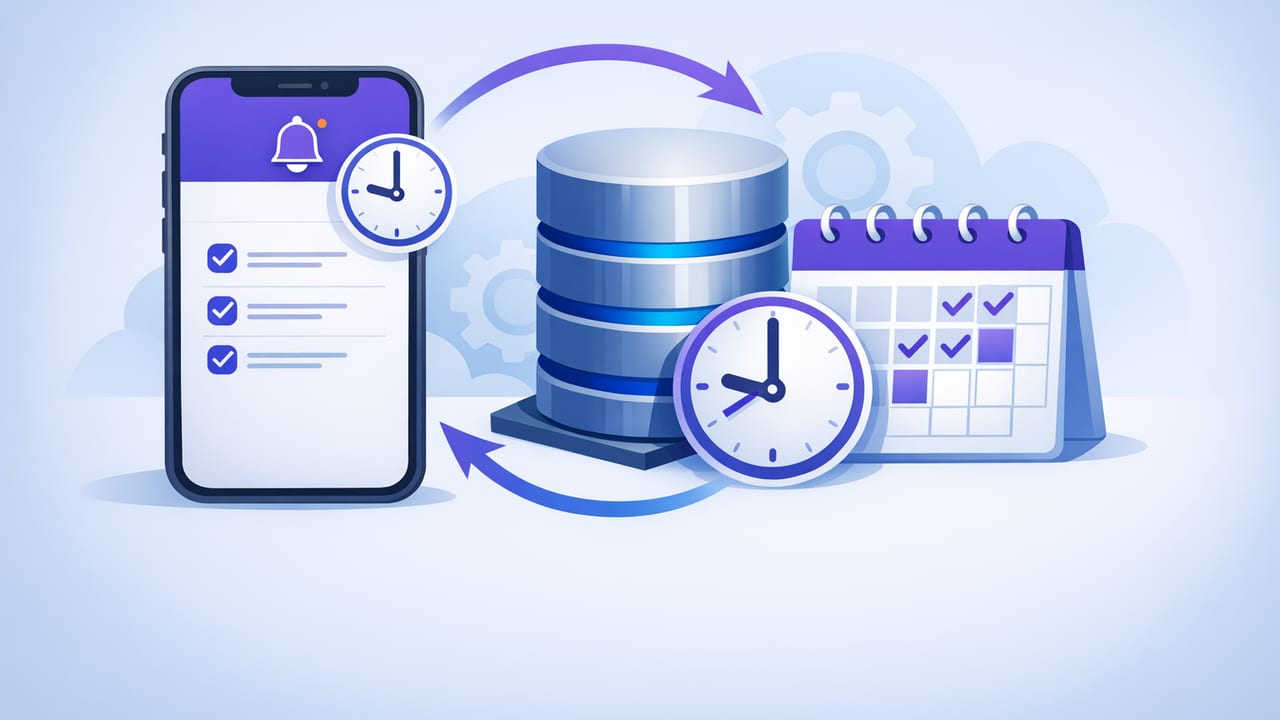
Teams increasingly want database monitoring that’s fast, focused, and mobile-friendly: a quick push notification when sign-ups spike, when orders stall, or when error rates exceed a threshold. The challenge is that an iPhone is not a server—iOS aggressively manages background execution to protect battery life and privacy. So when people search for how to schedule database checks on iPhone, the best answer is usually an architecture choice, not a single toggle.
This guide explains practical approaches to scheduling checks from (or for) an iPhone, how to design low-noise SQL/NoSQL queries that are safe to run repeatedly, and how to keep credentials and connections secure.
What “scheduled database checks” really means on iOS
A scheduled check is any automated, recurring query that evaluates a condition and triggers an alert when it matters. On iPhone, there are three common ways to achieve this:
- Server-driven scheduling (most reliable): a backend runs checks on a schedule and notifies your iPhone.
- On-device scheduling (limited): iOS automations can run at certain times or user-driven moments, but can’t reliably poll every few minutes.
- Hybrid: a server schedules frequent checks; the iPhone runs occasional “manual” or daily verification checks.
The key constraint: iOS doesn’t guarantee that an app can wake up every N minutes in the background to run network calls indefinitely. For frequent monitoring (e.g., every 1–5 minutes), the scheduler should live on infrastructure designed for it.
Three approaches to schedule database checks on iPhone
1) Server-side scheduler + iPhone notifications (recommended)
In this model, your iPhone is the receiver, not the runner. A scheduler (cron on a VM, Kubernetes CronJob, managed scheduler, or serverless function) executes read-only queries at set intervals and sends alerts via push notifications, email, or chat.
Why it works well:
- Reliable intervals (every minute if needed)
- Centralized secrets and network access
- Easier auditing and throttling
- Better battery and data usage on mobile
Typical flow:
- Scheduler runs a query against PostgreSQL/MySQL/MongoDB.
- Result is evaluated (threshold, anomaly, change detection).
- If condition matches, an alert is emitted (push/email).
2) On-device scheduling using iOS Automations (best for low-frequency checks)
If you only need checks a few times a day (or triggered by a personal routine), iOS Shortcuts Automations can help. For example, you can schedule an automation at 9:00 AM to call an HTTPS endpoint that returns status, or to log a snapshot into a note. However, calling databases directly from a shortcut is usually a bad idea because it requires embedding credentials and opening network access to your database.
Where this fits:
- Daily/weekly reporting summaries
- Manual “run now” health checks
- Personal dashboards that call a secure API (not the DB)
3) Hybrid monitoring (frequent checks on server, confirmations on iPhone)
Hybrid setups work well when you want frequent safety checks plus occasional mobile validation. Example:
- Server checks order ingestion every 2 minutes and alerts on stalls.
- Your iPhone runs a daily shortcut that fetches a “yesterday summary” endpoint and stores it.
Comparison table: scheduling options
| Approach | Best interval | Reliability | Security posture | When to use |
|---|---|---|---|---|
| Server-side cron / scheduler | 1–15 minutes (or more) | High | Strong (centralized secrets, private network) | Operational monitoring, on-call alerts |
| Serverless scheduled function | 1–60 minutes | High | Strong (IAM, secret manager) | Lightweight checks, bursty workloads |
| iOS Shortcuts Automation | Daily / weekly | Medium | Depends (avoid direct DB access) | Personal reporting, low-frequency checks |
| In-app background tasks | Not guaranteed | Low–Medium | Depends (still avoid direct DB access) | Occasional refresh, not true monitoring |
Designing database checks that stay actionable (not noisy)
Scheduling is only half the job. The other half is writing checks that are safe, fast, and don’t page you for normal behavior. These patterns work across SQL and NoSQL.
Pattern 1: Threshold checks (count, rate, error %)
Threshold checks are the simplest: count rows matching criteria within a time window and alert when over/under a boundary.
PostgreSQL/MySQL example: error rate in the last 10 minutes
-- errors in last 10 minutes
SELECT COUNT(*) AS error_count
FROM api_logs
WHERE created_at >= NOW() - INTERVAL '10 minutes'
  AND status_code >= 500;
To reduce noise, add a second query (or a computed metric) to evaluate rate relative to total requests:
SELECT
  SUM(CASE WHEN status_code >= 500 THEN 1 ELSE 0 END) AS errors,
  COUNT(*) AS total,
  (SUM(CASE WHEN status_code >= 500 THEN 1 ELSE 0 END)::float / NULLIF(COUNT(*), 0)) AS error_ratio
FROM api_logs
WHERE created_at >= NOW() - INTERVAL '10 minutes';
Pattern 2: “New rows since last check” using a watermark
If you want alerts only for new data, use a watermark: an increasing ID, timestamp, or MongoDB ObjectId. Store the last-seen value in your monitoring state (not in the app UI).
SQL example: new high-value orders since a stored timestamp
SELECT id, user_id, total_cents, created_at
FROM orders
WHERE created_at > :last_seen
  AND total_cents >= 50000
ORDER BY created_at ASC
LIMIT 50;
MongoDB example: new documents since last check
// assuming you store lastSeenId from prior run
db.orders.find(
  { _id: { $gt: lastSeenId }, totalCents: { $gte: 50000 } },
  { userId: 1, totalCents: 1, createdAt: 1 }
).sort({ _id: 1 }).limit(50)
Pattern 3: “Stall detection” (nothing happened when it should)
Some of the most valuable checks alert on missing activity: no new events, no jobs completed, no payments processed. These are often more actionable than raw spikes.
-- if ingestion is healthy, we expect events in the last 5 minutes
SELECT COUNT(*) AS events_last_5m
FROM ingestion_events
WHERE created_at >= NOW() - INTERVAL '5 minutes';
Alert when the count is zero (or below a baseline), but consider business hours and planned maintenance windows.
Choosing the right schedule: interval, jitter, and windows
When you schedule database checks, interval choice is a trade-off between detection speed and load/noise.
- 1–2 minutes: incident detection (stalls, high error rates). Use efficient indexes and keep result sets tiny.
- 5–15 minutes: operational monitoring (queue depth, stuck jobs, replication lag snapshots).
- Hourly/daily: reporting summaries and trend checks.
Add jitter (a small random delay) if many checks run at the top of the minute to avoid thundering herds. And define evaluation windows explicitly (e.g., “last 10 minutes”) so results are consistent.
Security essentials when monitoring databases from mobile workflows
The safest rule: avoid direct database access from an iPhone. Prefer a server-side runner inside a private network, then send notifications outward.
If you must connect directly (e.g., for internal-only dev environments), apply minimum safeguards:
- Read-only credentials with the fewest permissions possible.
- TLS-encrypted connections and certificate validation.
- IP allowlisting (hard on mobile due to changing IPs) or VPN.
- No secrets in shortcuts or shared notes; use a secure secret store and short-lived tokens.
- Limit query cost: add indexes, cap result sizes, and avoid full-table scans.
A scheduled check is only useful if it’s safe to run repeatedly and cheap enough that you never hesitate to keep it on.
Checklist: building a reliable scheduled check (SQL or NoSQL)
- Define the signal: What decision should this alert enable?
- Pick a window: last 5 minutes, last hour, since last watermark.
- Make it idempotent: repeated runs shouldn’t duplicate alerts unnecessarily.
- Add guardrails: limit rows returned, set timeouts, and handle null/zero cases.
- Reduce noise: thresholds, cool-downs, and severity levels.
- Secure access: read-only user, TLS, least privilege, audited connections.
- Test failure modes: database unreachable, partial results, slow query plans.
Practical example: a low-noise “stuck jobs” check
Here’s a common operational check: jobs that have been “running” too long. It’s high-signal and rarely noisy when tuned correctly.
-- jobs running longer than 20 minutes
SELECT id, worker, started_at
FROM background_jobs
WHERE status = 'running'
  AND started_at < NOW() - INTERVAL '20 minutes'
ORDER BY started_at ASC
LIMIT 20;
Alert only when the result set is non-empty, and include the top few IDs in the notification so you can act quickly. If you want to prevent repeat alerts, track whether the same job IDs were already reported in the last N minutes.
FAQ: scheduling database checks on iPhone
Can an iPhone run a query every minute in the background?
Not reliably. iOS may suspend background activity, especially for frequent polling. Use a server-side scheduler for minute-level checks and deliver results to the iPhone via notifications.
Should I connect directly to PostgreSQL/MySQL/MongoDB from my phone?
Usually no. It expands your attack surface and complicates secure networking. Prefer a backend runner in a private network or a secure API gateway approach.
What’s the simplest way to start?
Start with one high-signal check (stall detection or stuck jobs), run it every 5–10 minutes on a server, and send push/email alerts with a cool-down to prevent repeats.
Closing thoughts
To successfully schedule database checks on iPhone, treat the iPhone as the best place to receive and act on alerts, not the place that must do the polling. Put scheduling where it’s reliable (server-side), keep queries read-only and efficient, and design signals that reduce noise.
If you prefer an iOS-first workflow for receiving query-based notifications across SQL and NoSQL sources, tools like Query Alert are designed around this “smart alerts” pattern while emphasizing encrypted, read-only access.