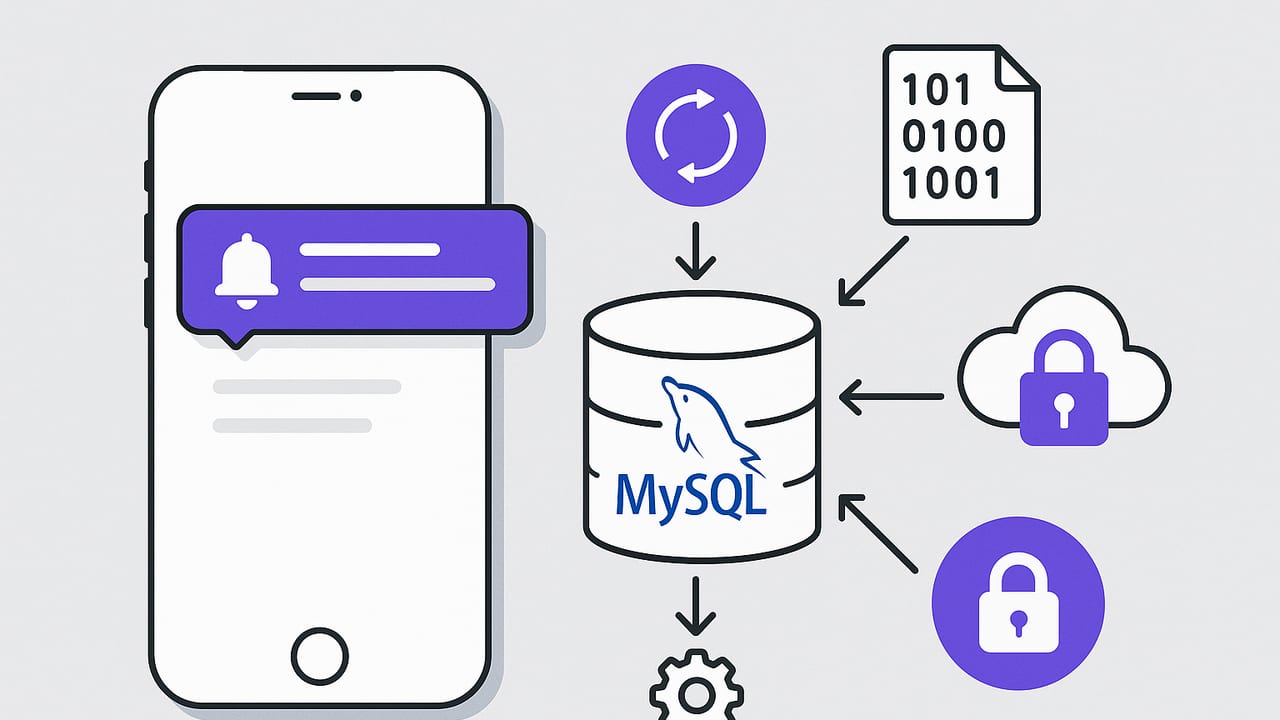
Teams often want a simple, reliable way to get iOS notifications for MySQL data changes: a new order arrives, a VIP customer updates their plan, an error row appears, or a threshold is crossed. While the concept is straightforward—detect a change and notify a phone—the implementation spans database design, change detection strategy, and secure push delivery through Apple Push Notification service (APNs).
This guide explains the main approaches to detecting MySQL changes, how to connect those changes to iOS notifications, and the trade-offs to consider. You’ll find practical SQL, patterns for both scheduled and near-real-time alerts, and security tips to keep your data safe.
What Counts as a “Data Change” (and Why It Matters)
Before choosing a pattern, define the change precisely. The detection method and load profile differ if you need:
- All CRUD activity (insert, update, delete) on a table
- Only certain rows (e.g., orders amount > 500)
- Aggregate changes (e.g., total daily signups increases by 100)
- State transitions (e.g., status moves from pending to paid)
Clarity here drives the design of your queries, indexes, and alert logic. It also influences whether you use polling, triggers, or change data capture (CDC).
Core Approaches to Detect MySQL Changes
There are four common strategies to detect changes in MySQL for the purpose of iOS notifications. Each has latency, complexity, and cost trade-offs.
1) Scheduled Queries with Timestamp Columns
The easiest pattern is to poll for changes on a schedule using an indexed timestamp column such as updated_at or created_at. This works well for many alerting use cases where near-real-time delivery (seconds to minutes) is acceptable.
-- Add updated_at if you don't have it, and index it
ALTER TABLE orders
  ADD COLUMN updated_at TIMESTAMP NOT NULL DEFAULT CURRENT_TIMESTAMP ON UPDATE CURRENT_TIMESTAMP,
  ADD INDEX idx_orders_updated_at (updated_at);

-- Fetch rows changed since last check
SELECT id, customer_id, amount, status, updated_at
FROM orders
WHERE updated_at > :last_check
  AND amount >= 500;
Implementation notes:
- Persist
:last_checkin your alerting system so each run reads only incremental changes. - Scope queries to reduce load (filter by status, amount, or partitions).
- Ensure appropriate indexes exist; without them, polling can cause table scans.
Best for: lower complexity, scheduled alerts, and predictable load.
2) Triggers + Audit (Change) Table
MySQL triggers can write to an audit table whenever rows change. You then poll the small audit table rather than your heavy transactional tables.
-- Audit table for high-value order changes
CREATE TABLE order_changes (
  id BIGINT PRIMARY KEY AUTO_INCREMENT,
  order_id BIGINT NOT NULL,
  event_type ENUM('INSERT','UPDATE','DELETE') NOT NULL,
  amount DECIMAL(10,2),
  status VARCHAR(32),
  changed_at TIMESTAMP NOT NULL DEFAULT CURRENT_TIMESTAMP,
  INDEX idx_changed_at (changed_at)
);

-- Trigger example: capture inserts above threshold
DELIMITER //
CREATE TRIGGER orders_after_insert
AFTER INSERT ON orders
FOR EACH ROW
BEGIN
  IF NEW.amount >= 500 THEN
    INSERT INTO order_changes(order_id, event_type, amount, status)
    VALUES (NEW.id, 'INSERT', NEW.amount, NEW.status);
  END IF;
END//
DELIMITER ;
Benefits:
- Lightweight polling against the audit table
- Fewer false positives; the trigger encodes your alert logic
Considerations:
- Triggers run in the transaction path; keep logic minimal to avoid latency
- Audit table growth requires retention policies
3) Binlog-Based Change Data Capture (CDC)
For near-real-time alerts, consume the MySQL binary log (binlog) and stream changes to a queue or function that emits notifications. Popular tools include Debezium, Maxwell’s Daemon, and various language-specific binlog clients.
- Pros: very low latency, comprehensive coverage of inserts/updates/deletes
- Cons: higher operational complexity; requires managing connectors, offsets, and schemas
# Example: Maxwell's Daemon to output JSON to Kafka
# (actual deployment varies)
maxwell --user=replica --password=*** \
        --host=mysql.internal \
        --producer=kafka \
        --kafka.bootstrap.servers=kafka:9092 \
        --include_tables=orders

# Downstream consumer filters JSON events and triggers an alert
CDC is ideal when your team already runs a streaming platform or needs sub-second alerts.
4) Application-Level Events
If you own the application writing to MySQL, publish events at write time (e.g., send a message to a queue or event bus whenever an order is created/updated). This can be more explicit and avoids reverse-engineering changes from the database. However, it requires disciplined implementation across all write paths.
Delivering iOS Notifications Securely
Once you detect the change, you need a reliable path to the device. iOS notifications for MySQL data changes are sent via APNs. Do not connect the iPhone directly to the database; instead, use a backend or alerting service to evaluate conditions and deliver notifications.
APNs Push: The Typical Flow
- Your iOS app registers for push and obtains a device token.
- Your backend securely stores device tokens and user-to-token mappings.
- A scheduled job, trigger-driven worker, or CDC consumer determines that an alert should fire.
- The backend issues a push notification to APNs using HTTP/2 with a provider token or certificate.
# Minimal example using curl + HTTP/2 token auth (illustrative)
curl -v \
  --http2 \
  --header "apns-topic: com.example.app" \
  --header "authorization: bearer <YOUR_JWT_PROVIDER_TOKEN>" \
  --header "apns-push-type: alert" \
  --header "content-type: application/json" \
  --data '{
    "aps": { "alert": { "title": "New High-Value Order", "body": "Order #18745: $742.00" }, "sound": "default" }
  }' \
  https://api.push.apple.com/3/device/<DEVICE_TOKEN>
Practical tips:
- Use background pushes only when the app needs to fetch data; for alerts, use
apns-push-type: alert. - Respect user preferences; store per-user alert settings and quiet hours.
- Ensure idempotency to prevent duplicate notifications.
Email and In-App Alternatives
- Email: great as a fallback or for summaries; slower but universal.
- In-app banners: useful when users are actively using the app.
- Local notifications: only for events initiated on-device (not for remote DB changes).
End-to-End Example: High-Value Order Alert
Goal: Send an iOS notification when a new order with amount >= 500 is created.
Step 1: Prepare the Table
ALTER TABLE orders
  ADD COLUMN created_at TIMESTAMP NOT NULL DEFAULT CURRENT_TIMESTAMP,
  ADD COLUMN updated_at TIMESTAMP NOT NULL DEFAULT CURRENT_TIMESTAMP ON UPDATE CURRENT_TIMESTAMP,
  ADD INDEX idx_orders_created_at (created_at),
  ADD INDEX idx_orders_updated_at (updated_at),
  ADD INDEX idx_orders_amount (amount);
Step 2: Choose a Detection Pattern
Option A: Trigger + audit table (simple and efficient for this case).
CREATE TABLE order_alerts (
  id BIGINT PRIMARY KEY AUTO_INCREMENT,
  order_id BIGINT NOT NULL,
  amount DECIMAL(10,2) NOT NULL,
  created_at TIMESTAMP NOT NULL DEFAULT CURRENT_TIMESTAMP,
  INDEX idx_created_at (created_at)
);

DELIMITER //
CREATE TRIGGER orders_alert_insert
AFTER INSERT ON orders
FOR EACH ROW
BEGIN
  IF NEW.amount >= 500 THEN
    INSERT INTO order_alerts(order_id, amount) VALUES (NEW.id, NEW.amount);
  END IF;
END//
DELIMITER ;
Step 3: Poll the Audit Table
-- Pseudocode schedule: every 1 minute
SELECT id, order_id, amount
FROM order_alerts
WHERE created_at > :last_run
ORDER BY created_at ASC
LIMIT 500;
Step 4: Send the Push Notification
// Node.js example (illustrative) using HTTP/2 and a JWT provider token
import fs from 'fs';
import http2 from 'http2';

const deviceToken = process.env.DEVICE_TOKEN;
const teamId = process.env.APPLE_TEAM_ID;
const keyId = process.env.APPLE_KEY_ID;
const bundleId = 'com.example.app';
const privateKey = fs.readFileSync('./AuthKey_ABC12345.p8', 'utf8');

function createJwt(teamId, keyId, privateKey) {
  // Use a JWT library (e.g., jose) to sign a token with ES256
  // return signedToken
}

async function sendPush(body) {
  const token = createJwt(teamId, keyId, privateKey);
  const client = http2.connect('https://api.push.apple.com');
  const req = client.request({
    ':method': 'POST',
    ':path': `/3/device/${deviceToken}`,
    'authorization': `bearer ${token}`,
    'apns-topic': bundleId,
    'apns-push-type': 'alert',
    'content-type': 'application/json'
  });
  req.write(JSON.stringify(body));
  req.end();
}

sendPush({
  aps: {
    alert: { title: 'New High-Value Order', body: 'Order #18745: $742.00' },
    sound: 'default'
  }
});
Enhancements:
- Add per-user filters: only notify account managers for their territories.
- Coalesce: if 20 orders arrive in a minute, send a summary instead of 20 pushes.
- Include deep links so tapping the notification opens the relevant order.
Security and Performance Best Practices
- Use read-only accounts for polling. Grant only the tables and columns required.
- Encrypt database connections with TLS. Do not expose MySQL directly to mobile networks.
- Store credentials in a secrets manager; never hardcode them in the app.
- Index columns used in alert predicates and time bounds to avoid table scans.
- Throttle and backoff: limit rows per run and use retry queues for APNs failures.
- Implement retention for audit tables and rotate logs; consider partitioning by date.
- Validate payload size: APNs enforces limits; keep messages concise and secure.
- Privacy: avoid sending PII in the notification body. Use IDs and let the app fetch details securely.
Choosing the Right Detection Method
| Method | Latency | Complexity | Load | Good For |
|---|---|---|---|---|
| Polling with timestamps | Seconds–minutes | Low | Predictable with proper indexes | SLA-tolerant alerts, simple setups |
| Triggers + audit table | Seconds–minutes | Medium | Light (poll audit table) | Precise rules with minimal overhead |
| Binlog CDC | Sub-second | High | Streaming infra required | Near-real-time, broad coverage |
| App-level events | Low | Medium–High (code changes) | Minimal on DB | Teams owning the write path |
Common Pitfalls and How to Avoid Them
- Duplicate notifications: dedupe by a unique event ID or hash before sending.
- Missed events due to clock drift: use server time and store the last processed timestamp or binlog position.
- Unindexed filters: profile queries; add compound indexes matching your WHERE clauses.
- Trigger bloat: keep trigger logic minimal; offload heavy work to workers.
- Over-notifying users: implement quiet hours, per-channel preferences, and daily digests.
- APNs delivery assumptions: handle transient 5xx responses and device token invalidation (410).
Testing Your Pipeline
- Unit test the SQL predicate that decides “alert-worthy.”
- Load test queries with realistic data volumes and indexes enabled.
- Simulate binlog failover (CDC) and verify offset handling.
- Use APNs sandbox with test device tokens; verify category actions and deep links.
- Run an end-to-end canary alert every hour to ensure the path is healthy.
Putting It All Together
To implement iOS notifications for MySQL data changes, choose a detection method that fits your latency and operational comfort: polling with well-indexed timestamp columns for simplicity, triggers plus an audit table for precise filtering, or binlog CDC for near-real-time streams. Then deliver alerts via a secure backend to APNs, with careful attention to security, rate limits, and user preferences.
If you prefer an off-the-shelf approach on iPhone that connects read-only to databases like MySQL, schedules checks, and sends push or email without custom code, consider Query Alert.