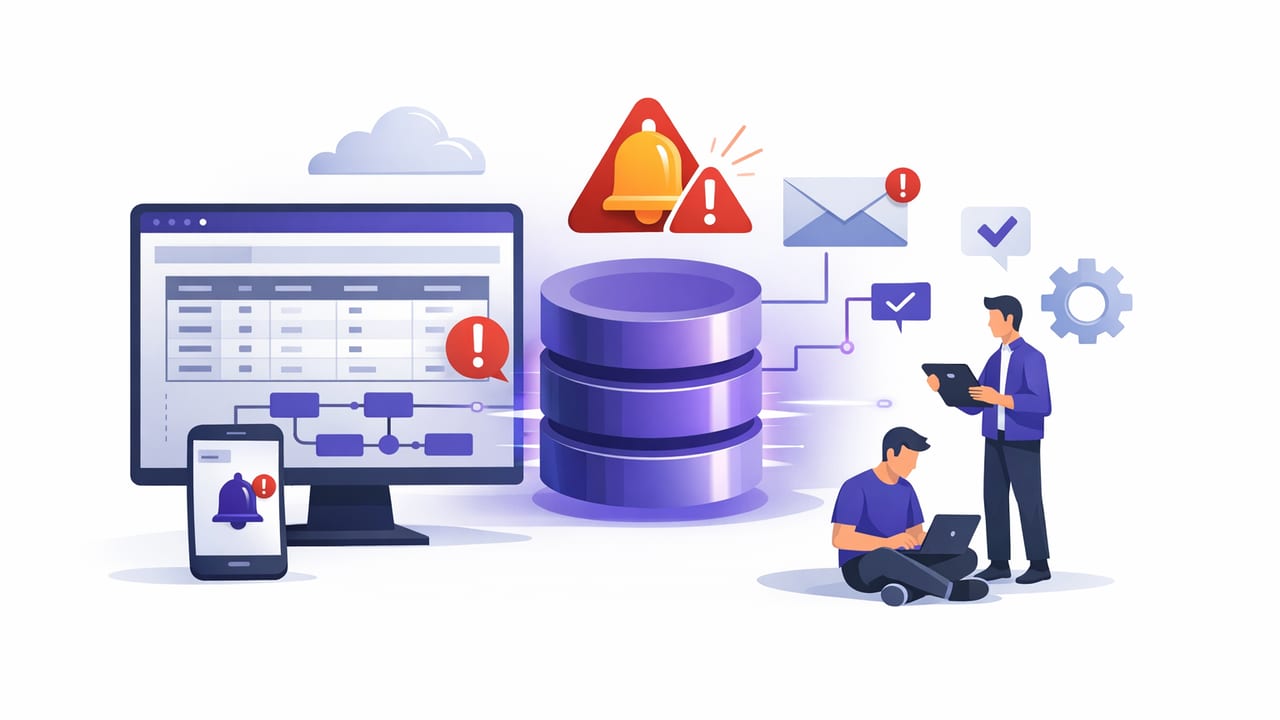
Database monitoring doesn’t have to mean standing up an entire observability stack, wiring exporters, and maintaining yet another service. For many engineering teams, the fastest path to reliable detection is low code database alerting for engineers: turning a handful of trusted SQL/NoSQL queries into scheduled checks with clear thresholds and actionable notifications.
This guide focuses on practical patterns you can apply to PostgreSQL, MySQL, and MongoDB. The goal is to help you design alerts that are safe, low-noise, and useful—without building (or babysitting) custom infrastructure.
What “low-code database alerting” actually means
Low-code alerting is a workflow where you:
- Write a read-only query that returns a small result (a number, a status row, or a concise list).
- Schedule it to run at a defined interval (every minute, hourly, daily, etc.).
- Compare the result to a rule: threshold, baseline, or expected state.
- Notify the right people via push/email/other channels, ideally with context.
This approach works well for engineers because it leverages what you already trust: your schema knowledge, your production queries, and your understanding of failure modes.
When low-code alerts beat dashboards
Dashboards are great for exploration, but alerts are for interrupting you. Low-code, query-driven alerts are especially effective when:
- You need to detect business-critical drift (e.g., orders stuck, missing events, backlog growing).
- You have strong invariants (e.g., “failed payments > 0 in last 5 minutes is bad”).
- You want fast coverage for new systems without instrumenting every component.
- You must keep access minimal (read-only, encrypted connections).
Rule of thumb: If you can express “healthy vs unhealthy” in one query, you can alert on it.
Design principles for alerts that engineers don’t hate
1) Make every alert actionable
Every notification should answer:
- What happened? (metric/value, timeframe)
- Why do we care? (impact)
- What should I do next? (first check, runbook link, query to debug)
2) Prefer “symptom” queries over “cause” queries
Alert on symptoms (backlog, failures, missing data) rather than internal assumptions. Root cause changes; symptoms are stable.
3) Control noise with windows and hysteresis
Instead of “if count > 0,” use windows and stability rules (e.g., “count > 0 for 3 consecutive runs” or “exceeds threshold by 20%”).
4) Keep queries cheap and safe
Low-code doesn’t mean low-risk. Your alert queries should:
- Be read-only.
- Use indexes (avoid full scans in hot paths).
- Return small results (avoid huge payloads).
- Use timeouts and reasonable limits.
A practical alerting blueprint (SQL + NoSQL)
Most useful database alerts fall into a few repeatable categories. Here’s a blueprint you can adapt:
| Alert type | Query returns | Rule | Best interval |
|---|---|---|---|
| Threshold | Single number | > / < expected range | 1–15 min |
| Missing data | Count of recent events | = 0 in window | 1–5 min |
| Backlog growth | Age of oldest item | > N minutes | 1–10 min |
| Data quality | Rows violating rule | > 0 | Hourly/daily |
| Change detection | Hash/version/max(updated_at) | Unexpected change | 5–60 min |
Example alerts you can copy today
SQL example: “Backlog is getting old” (PostgreSQL/MySQL)
Instead of alerting on the queue length (which may be expected to spike), alert on the age of the oldest pending job. This is typically more correlated with user impact.
-- Oldest pending job age in minutes
-- Works in PostgreSQL (adjust TIMESTAMPDIFF for MySQL)
SELECT
  EXTRACT(EPOCH FROM (NOW() - MIN(created_at))) / 60 AS oldest_pending_minutes
FROM jobs
WHERE status = 'pending';
Suggested rule:
- Warn if
oldest_pending_minutes > 10 - Critical if
oldest_pending_minutes > 30
Why it’s low-noise: If traffic spikes but workers keep up, the oldest age stays low. If processing stalls, the age climbs quickly.
SQL example: “Silent failure” (missing events)
Many production incidents are “nothing happened” failures: a cron stopped, a pipeline halted, or an integration broke. Use a windowed count.
-- Events seen in the last 5 minutes
SELECT COUNT(*) AS events_last_5m
FROM ingestion_events
WHERE created_at >= NOW() - INTERVAL '5 minutes';
Suggested rule: Alert if events_last_5m = 0 for two consecutive runs.
MongoDB example: “Error rate spike” (aggregation)
In MongoDB, you can aggregate over recent documents to detect spikes.
// Error events in the last 10 minutes
db.api_logs.aggregate([
  { $match: { ts: { $gte: new Date(Date.now() - 10 * 60 * 1000) } } },
  { $group: { _id: "$level", count: { $sum: 1 } } }
]);
Suggested rule: Alert if the error group exceeds a threshold (absolute) or grows vs baseline (relative).
Data quality example: “Foreign keys by convention”
Not every system has strict constraints everywhere. You can still detect integrity drift.
-- Orphaned records (example)
SELECT COUNT(*) AS orphaned_items
FROM order_items oi
LEFT JOIN orders o ON o.id = oi.order_id
WHERE o.id IS NULL;
Suggested rule: Alert if orphaned_items > 0 (daily), and include a link to a cleanup runbook.
Thresholds, baselines, and “smart” comparisons
Engineers often start with simple thresholds, then refine to reduce noise. Here are three common rule styles:
- Static thresholds: Great for invariants (e.g., failed payments, missing events, backlog age).
- Percentage change: Useful for volume metrics (e.g., “orders down 30% vs same hour yesterday”).
- Band/expected range: Useful for ratios (e.g., “cache hit rate between 85–99%”).
If you can’t define a stable threshold, start with a higher-level symptom or add a baseline. A simple baseline technique is “compare this window to the same window last week,” which helps avoid false alarms from time-of-day seasonality.
Scheduling: picking intervals that match risk
Low-code database alerting works best when schedules are intentional:
- 1–2 minutes: paging-worthy symptoms (stuck queue, zero events, payment failures).
- 5–15 minutes: operational health (error-rate drift, backlog trending).
- Hourly: business KPIs and slower-moving anomalies.
- Daily: data quality checks, reconciliation, warehouse freshness.
Tip: If your checks are frequent, keep the query cost tiny (indexed filters, narrow windows, single-row results).
Notification design: push vs email (and how to avoid alert fatigue)
Channel choice is part of the engineering design:
- Push notifications: Best for urgent, time-sensitive incidents. Keep the message short and include the current value + threshold.
- Email: Best for audits, daily data quality summaries, and non-urgent anomalies.
To reduce alert fatigue:
- Route critical alerts to a small on-call group.
- Add cooldowns (don’t re-notify every minute for the same condition).
- Include context: last good timestamp, top offenders, or a “next query to run.”
Security checklist for query-driven alerting
Because you’re connecting directly to databases, treat alerting as production access. A low-code setup can still be very secure if you follow basic controls:
- Use read-only credentials (no writes, no DDL).
- Encrypt connections (TLS) and verify certificates where possible.
- Scope access to specific databases/schemas/collections.
- Allowlist IPs or use a secure tunnel/VPN if required by policy.
- Store secrets safely (avoid embedding in scripts; rotate periodically).
- Add query timeouts to prevent runaway load.
Operational patterns: from “it works” to “it’s reliable”
Use a runbook-first mindset
For every critical alert, write a short runbook section:
- Immediate checks (service health, deployment changes, queue depth).
- One or two diagnostic queries.
- Rollback/mitigation steps.
Test alerts like code
You don’t need a full CI pipeline, but you should validate:
- The query executes under production permissions.
- Indexes are used (check
EXPLAINfor SQL). - Edge cases (nulls, empty tables, time windows crossing midnight).
Prefer “small output” queries
Queries that return a single number or a compact JSON object are easier to compare, store, and reason about. If you need details, return the top N offenders rather than everything.
Quick start: a minimal alert spec engineers can standardize
If you’re rolling this out across multiple services, define an internal “alert spec” template so engineers don’t reinvent structure:
# Alert Spec (example)
name: backlog_oldest_age
db: postgres-prod
query: |
  SELECT EXTRACT(EPOCH FROM (NOW() - MIN(created_at))) / 60 AS oldest_pending_minutes
  FROM jobs
  WHERE status = 'pending';
interval: 2m
rules:
  - when: value > 10
    severity: warning
  - when: value > 30
    severity: critical
message:
  title: "Jobs backlog is aging"
  body: "Oldest pending job: {{value}} minutes (warn > 10, critical > 30)."
runbook: https://internal/wiki/runbooks/jobs-backlog
This is the essence of low code database alerting for engineers: consistent specs, safe queries, clear rules, and actionable messages.
Choosing a tool: what to look for
Whether you implement this via scripts, internal tooling, or a dedicated app/service, the evaluation criteria are similar:
- Database support: PostgreSQL, MySQL, MongoDB (and the auth methods you use).
- Scheduling flexibility: per-alert intervals, time windows, and cooldowns.
- Notification options: push + email at minimum, with routing controls.
- Security features: encrypted connections, secret handling, read-only posture.
- Operational visibility: last run time, last value, failure reasons.
If you prefer running checks from a mobile workflow, there are iOS-first options that connect to SQL/NoSQL data sources and turn queries into notifications; for example, Query Alert is one such approach that emphasizes read-only queries and encrypted connections.