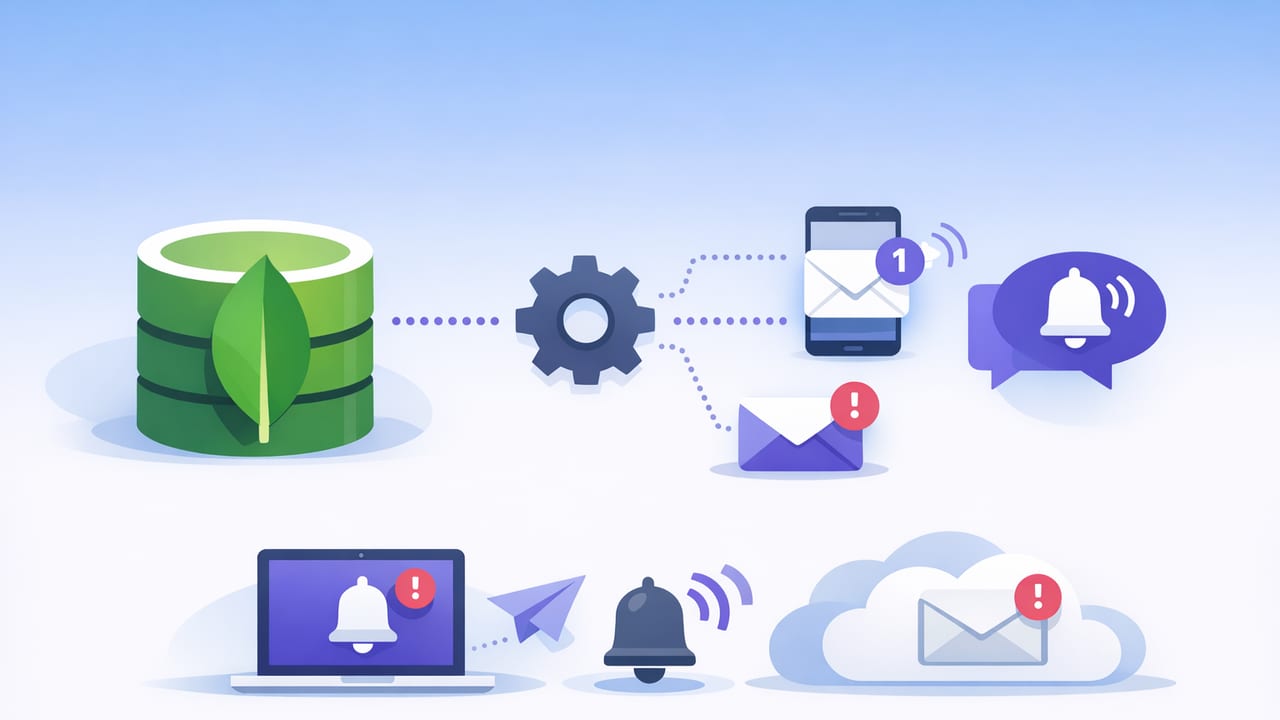
A solid mongodb notification setup helps you react to important data changes (payments captured, inventory dropped, suspicious logins) without constantly watching dashboards or running fragile scripts. The challenge is getting alerts that are timely and low-noise while staying safe for production databases.
This guide walks through practical approaches to MongoDB notifications, including change streams (event-driven) and scheduled checks (query-driven). You’ll learn when to use each, how to reduce false positives, and how to design alerts that remain accurate as your data grows.
What “MongoDB notifications” usually mean
MongoDB doesn’t ship with “send me an email when a document changes” as a single built-in feature. In practice, “notifications” are implemented by wiring MongoDB change signals (or query results) to an alert channel such as email, Slack, push notifications, PagerDuty, or a webhook.
A production-grade mongodb notification setup typically includes:
- Signal: a change event or a query result crossing a threshold
- Filter: only the changes you care about (collection, fields, status transitions)
- Deduplication: avoid alerting repeatedly for the same condition
- Routing: where alerts go (on-call, email list, mobile push)
- Security: read-only credentials, encrypted transport, least privilege
Two patterns: Change streams vs scheduled queries
| Pattern | Best for | Pros | Watch-outs |
|---|---|---|---|
| Change Streams | Near real-time document changes | Fast, event-driven, can include full document lookup | Requires replica set/sharded cluster, reconnect logic, backpressure handling |
| Scheduled Queries | Thresholds, rollups, “count in last 10 minutes”, anomaly checks | Simple mental model, works even when events are not available | Interval tradeoffs (latency vs load), needs careful dedupe |
Many teams use both: change streams for immediate workflow events (e.g., “order moved to FAILED”), and scheduled queries for aggregate risk (e.g., “failed payments spiked 5×”).
Option A: Change streams for real-time alerts
Change streams allow your application (or a monitoring worker) to subscribe to changes on a collection, database, or entire cluster. You can filter to the precise events that matter and then dispatch a notification.
Prerequisites
- MongoDB deployed as a replica set (including a single-node replica set) or sharded cluster
- A user account with appropriate read permissions for the watched namespace
- Network access using TLS (recommended) and IP allowlisting where applicable
Example: Watch for risky account changes (Node.js)
This snippet watches an accounts collection and alerts when a field like riskLevel becomes high. In real systems, you’d send to your alert channel (email, webhook, push) rather than console.log.
import { MongoClient } from "mongodb";

const uri = process.env.MONGODB_URI; // use TLS-enabled connection string
const client = new MongoClient(uri);

const pipeline = [
  {
    $match: {
      operationType: { $in: ["insert", "update", "replace"] },
      "fullDocument.riskLevel": "high"
    }
  }
];

async function run() {
  await client.connect();
  const col = client.db("app").collection("accounts");

  // fullDocument is easiest for alerting, but has cost; evaluate per workload
  const changeStream = col.watch(pipeline, { fullDocument: "updateLookup" });

  for await (const change of changeStream) {
    const doc = change.fullDocument;
    console.log("ALERT: high risk account", {
      accountId: doc._id,
      email: doc.email,
      updatedAt: doc.updatedAt
    });

    // TODO: sendEmail()/sendWebhook()/sendPush()
  }
}

run().catch(err => {
  console.error(err);
  process.exit(1);
});
Hardening tips for change-stream alerts
- Use resume tokens: persist
_idfrom each change event so the watcher can resume after restarts. - Backpressure: if your notification channel is slow, queue events (e.g., in Redis or a message broker) to avoid blocking the stream.
- Filter early: do as much filtering as possible in the pipeline to reduce load and noise.
- Throttle: if 1,000 changes happen in a minute, alerting 1,000 times is rarely useful. Aggregate or rate-limit.
Rule of thumb: change streams are great for “this specific record changed in a meaningful way,” while scheduled queries are better for “a metric crossed a threshold.”
Option B: Scheduled queries for thresholds and “smart checks”
A query-driven mongodb notification setup runs read-only checks on a schedule (every minute, every 5 minutes, hourly) and triggers an alert when the result matches a condition. This is especially useful for:
- Counts and rates: “failed logins > 20 in 10 minutes”
- Staleness: “no new orders in 30 minutes”
- Data quality: “documents missing required field”
- Business thresholds: “inventory < reorder point”
Example: Spike in failed payments (MongoDB aggregation)
Suppose payments documents include status and createdAt. This aggregation returns the number of failed payments in the last 10 minutes.
// MongoDB aggregation (run on a schedule)
[
  {
    $match: {
      status: "FAILED",
      createdAt: { $gte: new Date(Date.now() - 10 * 60 * 1000) }
    }
  },
  { $count: "failed_last_10m" }
]
To alert safely, define a threshold and add deduplication. For example: alert only if failed_last_10m >= 25 and you haven’t alerted for this exact condition in the last 30 minutes.
Deduping scheduled alerts: a simple pattern
Without dedupe, every scheduled run might fire the same alert. A common approach is to store an alert state keyed by the alert name and a time window.
# Pseudocode for dedupe
key = f"failed_payments_spike:{window_start_iso}"
if metric >= threshold and not cache.exists(key):
    send_alert(metric)
    cache.set(key, "sent", ttl=30*60)  # 30 minutes
In addition to caching, you can require N consecutive failures before notifying (e.g., condition must be true for 2–3 runs), which reduces flapping.
Reducing noise: make alerts actionable
The difference between useful alerts and alert fatigue is usually in the details. Use these techniques in any mongodb notification setup:
1) Alert on transitions, not states
“Order status is FAILED” can be true for hours; “Order changed from PENDING to FAILED” happens once. Prefer transitions (change streams) or detect transitions by comparing to a previous snapshot.
2) Include context in the payload
An alert should answer: what happened, where, and what should I do next? Include identifiers, environment, query name, and a link to runbook if you have one.
3) Use severity levels and routing
- Info: email digest
- Warning: Slack channel
- Critical: on-call paging / push
4) Guard with time windows
For business metrics, comparisons like “last 10 minutes vs previous hour average” are often more meaningful than raw thresholds.
Security checklist for MongoDB alerting
Alerts often require database access outside your core app path, so treat them as production integrations.
- Use read-only users dedicated to monitoring. Avoid admin roles.
- Encrypt connections with TLS and validate certificates.
- Restrict network access (IP allowlist/VPC peering/private endpoints where possible).
- Store secrets safely (vault/secret manager), rotate regularly.
- Limit data in notifications: avoid leaking sensitive fields (PII, tokens). Prefer IDs and references.
- Audit and logging: log alert queries and access patterns for troubleshooting.
A practical “mongodb notification setup” blueprint
If you want a straightforward implementation plan, use this blueprint and adapt it to your stack:
Step 1: Define the alert as a contract
- Name: failed_payments_spike
- Source: scheduled query or change stream
- Condition: metric/transition with threshold
- Cooldown: minimum time between alerts
- Owner: team and runbook link
Step 2: Implement signal generation
- For change streams: watch a narrow namespace and filter in the pipeline.
- For scheduled queries: run aggregations that use indexes; keep scans bounded by time.
Step 3: Add dedupe and throttling
Use a cache (Redis), a small “alerts” collection, or your monitoring system’s built-in dedupe. Design for restarts and retries.
Step 4: Choose notification channels
Start with email/webhook for non-critical signals, then add push/paging for truly urgent conditions. Ensure each alert’s channel matches its severity.
Step 5: Test with realistic data
- Replay sample events
- Simulate spikes
- Validate cooldown and recovery behavior
- Confirm you’re not leaking sensitive fields
Common pitfalls (and how to avoid them)
- Unindexed time filters: if your scheduled query uses
createdAt, ensure an index supports it (often{ createdAt: 1, status: 1 }or similar based on cardinality). - Alerting on every update: filter to the fields that matter (e.g., watch updates where
updateDescription.updatedFields.statusexists). - Assuming “real-time” is required: many business alerts are fine at 1–5 minute intervals and are simpler to operate.
- No recovery signal: consider sending a “resolved” notification when the metric returns to normal, or at least annotate the next incident.
When to use a mobile-first workflow
If your team is frequently away from a laptop (on-call rotations, field operations, small teams), mobile notifications can reduce response time—especially when paired with safe, read-only checks and clear runbooks. Some teams use an iOS-based monitoring workflow to review key query results and receive push/email alerts without exposing write access.
If you’re looking for a lightweight way to turn read-only MongoDB queries into scheduled alerts with push/email delivery, Query Alert is one option to explore.