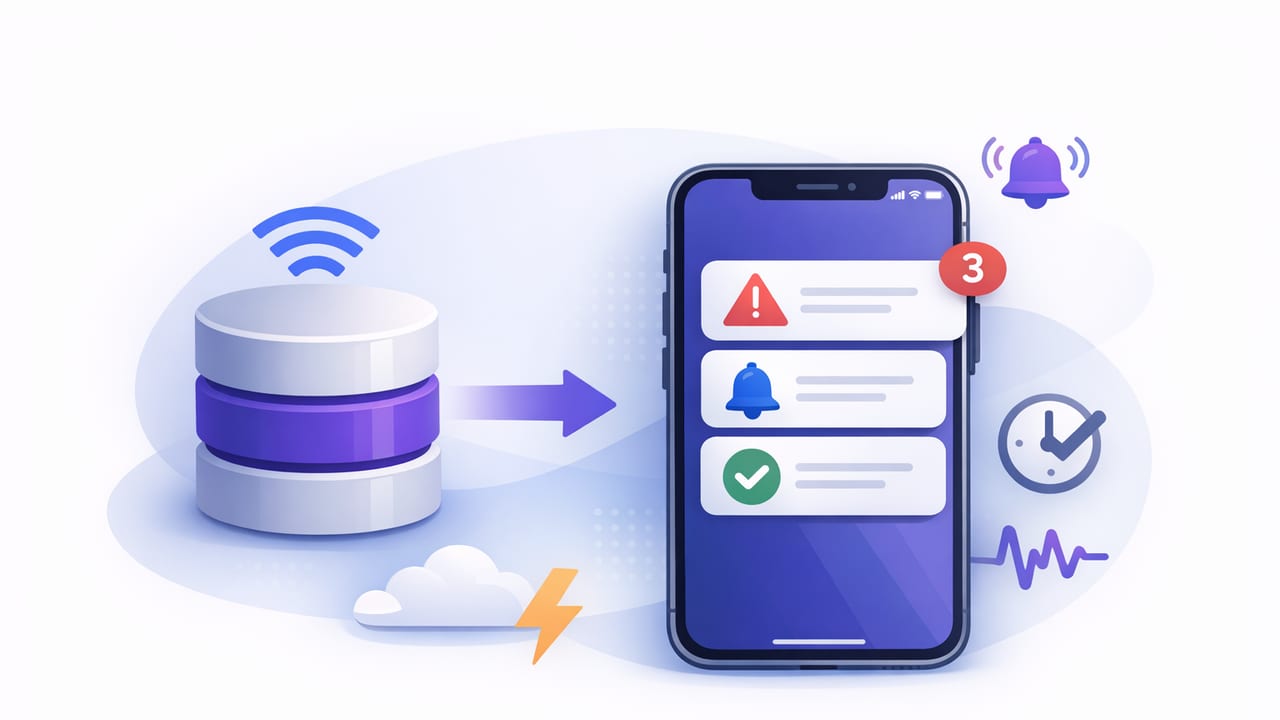
Teams increasingly expect near real time database alerts iOS workflows: a data change happens, and the right person gets notified on their phone quickly enough to act. “Quickly enough” is the key—near real-time alerting is not the same as instantaneous streaming, and building it well is less about a single tool and more about choosing the right latency, reliability, and security trade-offs.
This guide explains the main architectural patterns for turning SQL/NoSQL queries and data changes into iOS-friendly alerts, how to pick an approach for PostgreSQL, MySQL, and MongoDB, and how to avoid common pitfalls like noisy notifications, missed events, and unsafe database access.
What “near real-time” means for database alerting
Near real-time is typically measured as end-to-end delay from the moment data is committed to the moment a human sees a notification. In practice, many teams target one of these bands:
- 10–60 seconds: operational monitoring (inventory thresholds, payment anomalies, stuck jobs).
- 1–5 minutes: analytics checks, SLAs, periodic integrity validations.
- 5–15 minutes: low urgency business metrics and trend alerts.
It’s also important to define whether you need state-based alerts (“count > 1000”) or event-based alerts (“a row changed”). State-based alerting is usually easier and more portable across databases; event-based alerting can be lower latency but requires more plumbing.
The alert pipeline (from data to iOS)
Most implementations—regardless of database—share a simple pipeline:
- Detect a relevant condition (query result changes, threshold crossed, event emitted).
- Decide whether to notify (dedupe, rate-limit, severity routing).
- Deliver to iOS (push notifications) and optionally email/webhook.
- Confirm outcomes (log, retry, and provide an audit trail).
Where systems differ is step 1: detection. The remainder—deduplication, routing, retries, and security—tends to look similar across stacks.
Pattern 1: Scheduled query polling (portable and simple)
Polling means running a read-only query on a schedule (e.g., every 30 seconds) and alerting when the result meets a condition or changes. This works with almost any SQL/NoSQL database and is often the fastest path to “near real-time enough.”
When polling is a good fit
- You can tolerate checks every 15–60 seconds.
- You need state-based rules (counts, sums, error rates).
- You want minimal database-side changes (no triggers, no CDC).
Polling example (PostgreSQL): alert on backlog growth
Suppose you want an alert when your job queue backlog crosses a threshold:
SELECT COUNT(*) AS pending
FROM jobs
WHERE status = 'pending'
  AND created_at > NOW() - INTERVAL '24 hours';
Alert logic typically adds hysteresis (avoid flapping) and dedupe (avoid repeats). For example: alert when pending ≥ 500, then don’t re-alert until pending drops below 400 and rises again.
Polling pitfalls (and fixes)
- Noise: add thresholds, hysteresis, and minimum time between notifications.
- Cost: ensure queries are indexed and bounded in time (e.g., last 24 hours).
- Missed nuance: polling sees snapshots; if you need every event, consider CDC/streams.
Pattern 2: Database-native notifications (low latency, DB-specific)
Some databases can notify listeners when changes occur.
PostgreSQL LISTEN/NOTIFY
PostgreSQL can emit lightweight messages via NOTIFY, which subscribers receive via LISTEN. Often you combine this with triggers to publish events.
-- 1) Create a trigger function
CREATE OR REPLACE FUNCTION notify_order_status()
RETURNS trigger AS $$
BEGIN
  PERFORM pg_notify(
    'order_status',
    json_build_object(
      'order_id', NEW.id,
      'status', NEW.status,
      'changed_at', NOW()
    )::text
  );
  RETURN NEW;
END;
$$ LANGUAGE plpgsql;

-- 2) Attach trigger to table
CREATE TRIGGER trg_order_status
AFTER UPDATE OF status ON orders
FOR EACH ROW
WHEN (OLD.status IS DISTINCT FROM NEW.status)
EXECUTE FUNCTION notify_order_status();
Operational note: NOTIFY is not a durable queue; if your listener is down, messages may be missed. For near real-time alerting, this is often fine if you add a periodic polling “catch-up” check.
MySQL
MySQL doesn’t have a direct equivalent to LISTEN/NOTIFY. Many teams use triggers to write to an outbox table, then poll that table or stream it via binlog-based CDC.
Pattern 3: Change Data Capture (CDC) and streams (durable and scalable)
CDC captures changes from a database’s transaction log (e.g., Postgres logical replication, MySQL binlog) and forwards them to a stream or queue (Kafka, Pulsar, Kinesis, etc.). This enables reliable event-based alerting and replay.
When CDC is worth it
- You need high confidence you won’t miss events.
- You have multiple consumers (alerts, analytics, audit, search indexing).
- You want to enrich and route events without hammering the primary database.
Trade-offs
- Complexity: infrastructure, schema evolution, and operational expertise.
- Latency: often seconds, but depends on batching and consumers.
- Security: data in motion must be encrypted; scope events to least privilege.
Pattern 4: MongoDB Change Streams (event-based, Mongo-native)
MongoDB supports Change Streams that let your application subscribe to inserts/updates/deletes. This can be a strong choice for near-real-time alerts, especially when you need document-level changes.
// Pseudocode (Node.js-like) for a change stream listener
const stream = db.collection('payments').watch([
  { $match: { 'fullDocument.status': 'failed' } }
]);

stream.on('change', (event) => {
  // Dedupe, enrich, route, then send push/email
  notifyOnCall(event.fullDocument);
});
As with any event approach, plan for reconnects and resume tokens, and store minimal sensitive fields in events.
Choosing the right pattern (comparison table)
| Approach | Typical latency | Reliability | Best for | Main risk |
|---|---|---|---|---|
| Scheduled polling | 15s–5m | High (if scheduler is reliable) | Thresholds, aggregates, simple rules | Query load, alert noise |
| Postgres LISTEN/NOTIFY + triggers | <1s–5s | Medium | Low-latency signals | Missed messages if listener down |
| Outbox table + polling | 5s–1m | High | MySQL event-ish alerts | Table growth, cleanup needed |
| CDC to queue/stream | 1s–30s | Very high | Mission-critical event alerts | Operational complexity |
| MongoDB Change Streams | <1s–10s | High | Document change alerts | Reconnect/resume handling |
Designing alerts that work on iOS (beyond “send a push”)
Even if detection is perfect, your system fails if notifications aren’t actionable on a phone. Strong iOS alerting usually includes:
- Severity tiers: critical (wake-up), high (prompt), informational (digest).
- Concise payload: one-sentence summary + a stable identifier (order_id, job_id).
- Deep links: route to a runbook URL or an internal dashboard view.
- Aggregation: “17 failed payments in 5 minutes” beats 17 separate pings.
The best alert is the one that leads to a clear next step within 30 seconds.
Push vs email vs both
Push is ideal for near real-time response; email is better for traceability, long-form context, and delivery when push is muted. Many teams send:
- Push for critical/high severity alerts with a short summary.
- Email for the same alert including query output, timestamps, and links.
Reliability essentials: dedupe, retries, and “no missed alerts” thinking
Near real-time does not mean “send every time a query runs.” It means send when the state meaningfully changes. Implement these building blocks:
1) Idempotency keys
Compute a key per alert instance (e.g., rule_id + time_bucket + entity_id) and store it so retries don’t duplicate notifications.
2) Rate limits and quiet hours
Protect humans from alert fatigue. For example: max 1 push per rule per 10 minutes, with a rolling digest if the condition persists.
3) Fallback checks
If you rely on event-based signals (NOTIFY, streams), add a slower polling job that verifies important invariants. This catches listener downtime or transient network issues.
Security: how to avoid turning monitoring into a breach
Database alerting systems often become an accidental “back door” because they touch production data and send it to mobile devices. A safer design includes:
- Read-only credentials for polling queries (no writes, no DDL).
- Encrypted connections (TLS to databases; HTTPS to notification services).
- Scoped queries that return minimal data (counts and IDs, not full PII records).
- Secrets management (never hard-code database passwords in mobile clients).
- Audit logs for which rules ran, when, and what they triggered.
Important: iOS apps should generally not connect directly to production databases. Use a server-side component (or managed monitoring service) to run checks and then deliver notifications.
A practical blueprint: “near real-time” without over-engineering
If you’re starting from scratch and want a balanced approach:
- Start with polling every 30–60 seconds for the most important state-based conditions.
- Add dedupe + hysteresis to reduce noise and flapping.
- Introduce event signals (Postgres
NOTIFYor MongoDB Change Streams) for the few rules that truly need <10s latency. - Keep a fallback poll for those event-based rules to prevent silent failure.
- Harden security: least-privilege read-only access, TLS, minimal payloads.
Conclusion
Building near real time database alerts iOS is mostly an exercise in good systems design: pick the detection mechanism that matches your latency and reliability needs, then invest in noise control, delivery ergonomics, and security. For many teams, scheduled queries with thoughtful deduplication get you 80% of the value quickly, while CDC/streams and database-native notifications help when seconds matter.
If you prefer a mobile-first workflow that turns database queries into smart notifications with read-only, encrypted access, you can also explore tools like Query Alert as one implementation option.