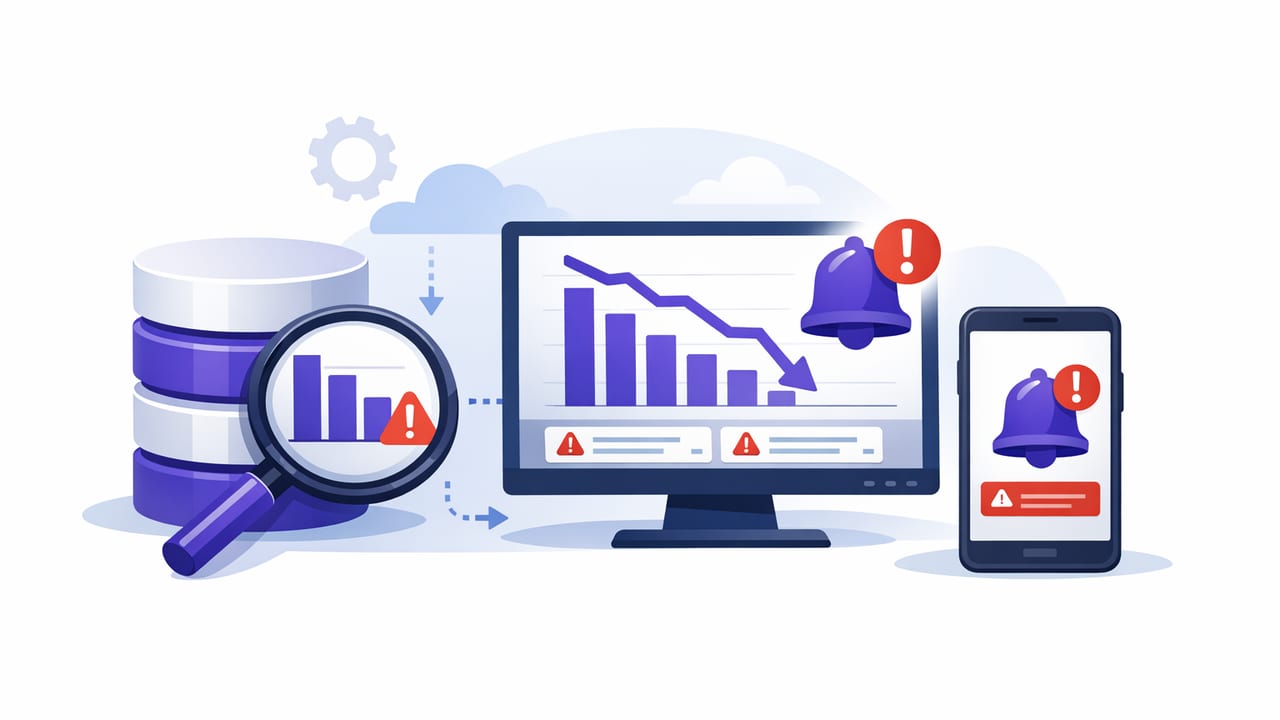
“The dashboard is empty” is rarely the first symptom of a data incident. More often, the earliest signal is a quiet drop in a row count: fewer orders than expected, fewer events ingested, fewer active users, or fewer records in a critical dimension table. If you can generate notifications when SQL count drops unexpectedly, you can catch problems hours earlier—before downstream systems, reports, or customers notice.
This guide focuses on practical, low-risk approaches to detect unexpected COUNT drops using read-only SQL, with examples you can adapt to PostgreSQL and MySQL. You’ll learn how to pick the right metric, set thresholds that avoid alert fatigue, and build a small runbook so responders know what to do next.
Why COUNT drops are such a strong incident signal
A sudden decrease in a COUNT is often correlated with one of these issues:
- Pipeline failures: ingestion stalled, jobs failing, or queues backing up.
- Upstream schema or logic changes: a filter started excluding valid rows.
- Accidental deletes or truncations: scripts run against the wrong environment/table.
- Time zone and windowing bugs: a day boundary shifts and “today” becomes shorter.
- Permission/replica lag: your monitoring query runs against stale data.
COUNT-based checks are effective because they reduce complex systems to a single, measurable signal—then you can refine the signal as you learn your normal.
Step 1: Choose the right COUNT to monitor
A good COUNT metric is:
- Stable (doesn’t naturally swing wildly minute-to-minute).
- Meaningful (maps to a business or system outcome).
- Actionable (a drop indicates a fixable cause).
Common patterns:
- Daily event volume: COUNT of events created in the last N minutes/hours.
- Orders created: COUNT of orders in the last hour/day by status.
- Active records: COUNT of enabled users, active subscriptions, non-deleted entities.
- Ingestion freshness proxy: COUNT where
created_atis “recent” to detect pipeline stalls.
Avoid the “whole table COUNT(*)” trap
Counting the entire table can be slow and can also hide issues. Example: a table might keep growing even though “today’s” ingestion is broken. Prefer time-windowed counts and/or status-filtered counts.
Step 2: Decide what “unexpected” means (threshold models)
There’s no single best threshold. Choose a model based on how predictable your data is.
| Model | Best for | How it alerts | Pros / Cons |
|---|---|---|---|
| Absolute threshold | Stable volumes | Alert if COUNT < X | Simple; can be noisy when traffic is seasonal |
| Percent drop | Moderate seasonality | Alert if COUNT is < (baseline × %) | Adapts; needs a baseline window |
| Day-over-day / week-over-week | Strong daily cycles | Alert if today’s count < last week’s same window | Handles seasonality; needs historical data |
| Moving average + tolerance | Noisy, high-volume metrics | Alert if count deviates by N% | Smoother; more SQL complexity |
Step 3: Write safe, efficient COUNT queries
COUNT checks should be read-only, targeted, and index-friendly. Key tips:
- Filter on an indexed column like
created_at,updated_at, or a status field. - Prefer short lookback windows (e.g., last 15 minutes) for frequent checks.
- Use
COUNT(*)with a selective WHERE clause; avoid scanning entire tables. - Return a single number (or a small set of numbers) so it’s easy to compare.
Example A: Absolute threshold (PostgreSQL)
Alert if fewer than 500 events arrived in the last hour.
SELECT COUNT(*) AS events_last_hour
FROM events
WHERE created_at >= NOW() - INTERVAL '1 hour'
  AND event_type = 'purchase';
Example B: Percent-drop vs prior window (PostgreSQL)
This compares the most recent hour to the previous hour and alerts if the drop is > 40%.
WITH counts AS (
  SELECT
    COUNT(*) FILTER (WHERE created_at >= NOW() - INTERVAL '1 hour') AS current_hour,
    COUNT(*) FILTER (WHERE created_at >= NOW() - INTERVAL '2 hours'
                     AND created_at < NOW() - INTERVAL '1 hour') AS prev_hour
  FROM events
  WHERE event_type = 'purchase'
)
SELECT
  current_hour,
  prev_hour,
  CASE
    WHEN prev_hour = 0 THEN NULL
    ELSE ROUND((current_hour::numeric / prev_hour::numeric) * 100, 2)
  END AS pct_of_prev
FROM counts;
Trigger an alert when pct_of_prev is below a threshold (for example, < 60), and consider requiring prev_hour to be above a minimum to avoid divide-by-zero and low-volume noise.
Example C: Same-time-last-week (MySQL 8+)
Useful when weekends differ from weekdays. Compare the last 30 minutes to the same 30-minute window one week ago.
SELECT
  (SELECT COUNT(*)
   FROM orders
   WHERE created_at >= NOW() - INTERVAL 30 MINUTE
     AND status IN ('paid','shipped')) AS current_window,
  (SELECT COUNT(*)
   FROM orders
   WHERE created_at >= NOW() - INTERVAL 7 DAY - INTERVAL 30 MINUTE
     AND created_at <  NOW() - INTERVAL 7 DAY
     AND status IN ('paid','shipped')) AS last_week_window;
Step 4: Reduce false positives with guardrails
COUNT alerts fail when they’re either too sensitive (noise) or too lax (miss real incidents). Add these guardrails:
1) Minimum baseline requirement
Only alert on percent drops if the baseline is meaningful.
- Example: only evaluate percent drop when
prev_hour >= 50.
2) Multi-window confirmation
Require the condition to hold for 2–3 checks in a row (e.g., 10–15 minutes) before notifying.
3) Segment the COUNT when needed
If a single global COUNT is noisy, segment it by:
- region / tenant
- ingestion source
- event_type
- status
Segmenting often turns “everything dropped 10%” into “source=B is at 0,” which is far more actionable.
4) Know your natural dips
If your product has a daily quiet period, use a day-over-day/week-over-week baseline or schedule different thresholds by time-of-day.
Step 5: Decide check frequency and notification channels
Frequency depends on how quickly you need to react and how fast the metric naturally changes.
- High urgency (payment processing, fraud signals): every 1–5 minutes, small lookback window.
- Operational (batch ETL, reporting): every 15–60 minutes, aligned to job cadence.
- Low urgency (reference data consistency): daily checks.
For channels:
- Push notifications: fastest response for on-call individuals.
- Email: best for summaries, less time-sensitive issues, or broad visibility.
- Ticket / chat integrations: good when the next step is always a triage workflow.
Step 6: Include context in the alert payload
A good alert is not just “COUNT is low.” Include context so responders can decide quickly whether it’s real:
- the metric name and query window (e.g., “purchases last 60 minutes”)
- current value, baseline value, and percent change
- environment and database/replica name
- links to dashboards/logs (if available)
If your monitoring system supports it, store the last N results so you can see a mini trendline during triage.
Step 7: A quick runbook for responders (copy/paste)
When the notification fires, follow a consistent checklist:
- Confirm it’s not expected: check day/time patterns, deployments, marketing campaigns, holidays.
- Validate freshness: is
MAX(created_at)recent? If not, ingestion may be stalled. - Check upstream systems: queue depth, job failures, API error rates, rate limiting.
- Look for filtering changes: recent schema changes, enum changes, new “status” values.
- Segment to isolate: region/source/tenant to find the failing slice.
- Mitigate: restart jobs, roll back a release, re-run backfill, fix credentials.
- Document: record cause and adjust thresholds/guardrails to improve signal quality.
Two helpful triage queries
-- Freshness check (PostgreSQL)
SELECT MAX(created_at) AS latest_event_time
FROM events
WHERE event_type = 'purchase';

-- Segment by source to isolate the failing pipeline
SELECT source, COUNT(*) AS cnt
FROM events
WHERE created_at >= NOW() - INTERVAL '1 hour'
  AND event_type = 'purchase'
GROUP BY source
ORDER BY cnt ASC;
Common pitfalls (and how to avoid them)
- Replica lag: monitoring a read replica can show a “drop” during lag spikes. Mitigation: track replica delay or query the primary for critical checks.
- Backfills and late-arriving data: counts can dip temporarily then recover. Mitigation: multi-window confirmation and longer lookback windows.
- Time boundary bugs: “today” can reset unexpectedly. Mitigation: use rolling windows (last 60 minutes) for high-frequency alerts.
- Alert fatigue: too many notifications reduce trust. Mitigation: add baseline minimums, silence windows, and escalation policies.
Putting it together: a simple, robust pattern
If you want a default pattern that works well for many teams, start here:
- Run every 5 minutes
- Measure COUNT in the last 60 minutes
- Compare to the previous 60 minutes
- Notify if drop > 40% and previous window ≥ a minimum baseline
- Require 2 consecutive failures before sending
This approach usually catches real ingestion breaks and accidental filtering changes while keeping noise manageable.
Final note
Once you’ve validated your queries and thresholds, the remaining work is operational: scheduling the checks reliably and delivering notifications quickly to the right people. Some teams implement this with cron + scripts; others use purpose-built tools. For example, Query Alert is an iOS app that can run read-only database queries on a schedule and send push/email notifications—useful if you want lightweight monitoring without maintaining extra servers.