Database monitoring often succeeds or fails at the last mile: how quickly the right person learns that something changed. You can have excellent SQL/NoSQL checks—row count thresholds, anomaly detection, missing events, backlog growth—but if alerts arrive late, get buried, or are impossible to audit, your monitoring program becomes noise.
This guide will help you compare push vs email alerts for databases in a practical way. You’ll learn when each channel is a better fit, what reliability pitfalls to expect, and how to design alert messages so they lead to fast, correct action.
What “good” looks like for database alerts
Before comparing channels, define success criteria. A useful database alert should be:
- Timely: arrives within the operational window where action matters.
- Actionable: includes context, scope, and a clear next step.
- Low-noise: fires only when something is meaningfully wrong or notable.
- Auditable: you can review what happened later (for postmortems and compliance).
- Secure: avoids leaking sensitive data and supports least-privilege access.
Rule of thumb: If it can wake someone up, it must be highly reliable, clearly scoped, and rare.
Push notifications vs email: the core differences
Both channels can work well, but they optimize for different outcomes:
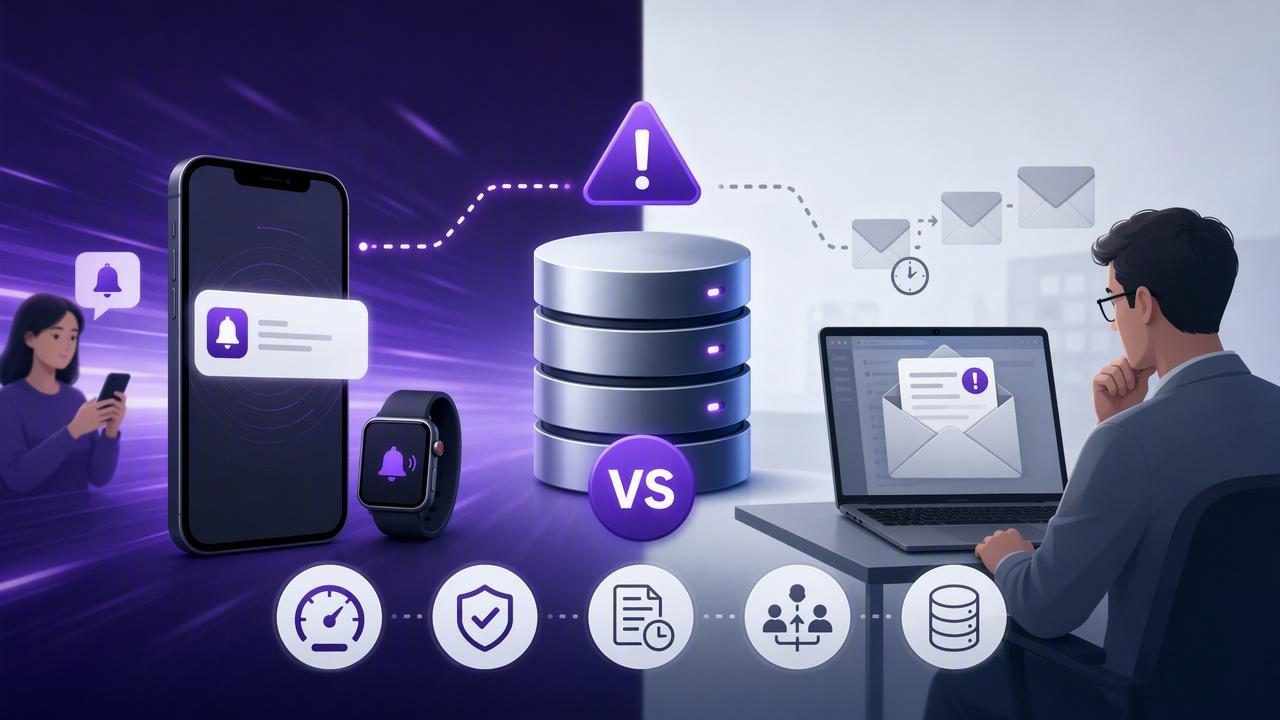
- Push is optimized for immediacy and interruption (fast attention, quick triage).
- Email is optimized for persistence and documentation (searchable history, richer detail).
At-a-glance comparison
| Dimension | Push alerts | Email alerts |
|---|---|---|
| Latency | Typically seconds; best for near-immediate response | Can be seconds to minutes; can degrade under deliverability issues |
| Visibility | High (lock screen, banners), but easy to miss if dismissed | Lower immediate interruption, but persistent inbox presence |
| Content size | Constrained; best for summary + link/runbook pointer | Rich; can include tables, full query results, and runbook steps |
| Audit trail | Weak unless logged elsewhere | Strong (searchable, forwards, labels, ticketing integration) |
| On-call ergonomics | Great for urgent alerts; can become stressful/noisy | Better for non-urgent and daily summaries |
| Delivery failure modes | Device offline, OS throttling, notification settings, token issues | Spam filtering, DMARC/SPF issues, mailbox rules, rate limits |
| Security posture | Best when content is minimal and doesn’t expose sensitive data | Riskier if you include PII/data snippets; needs careful redaction |
When push notifications are the better choice
Choose push when speed and attention are more important than rich detail or long-term recordkeeping.
Best-fit scenarios
- Production incidents driven by data: sudden drops in orders, missing ingestion, replication lag thresholds.
- SLO-threatening trends: error budgets being burned because a backlog table is growing too fast.
- High-signal checks: alerts you trust enough to interrupt work (or sleep).
Design push alerts for fast triage
Because push messages are short, treat them like a pager message:
- Lead with the symptom: “Payments backlog > 50k for 10m”
- Include environment + shard/region: “prod/us-east-1”
- Include a single metric and threshold: “78,213 rows (threshold 50,000)”
- Point to the runbook: a link or identifier (e.g., “RBK-214”)
Common push pitfalls (and mitigations)
- Notification fatigue: reserve push for P1/P2 alerts; route the rest to email/digests.
- OS focus modes / Do Not Disturb: document on-call device settings and use critical alerts only where justified.
- Offline devices: pair push with an email fallback for severe incidents.
When email alerts are the better choice
Email is often superior when you need detail, persistence, and workflow integration more than instant interruption.
Best-fit scenarios
- Business intelligence guardrails: daily revenue anomaly summaries, new customer cohort shifts.
- Data quality checks: missing foreign keys, null spikes, schema drift warnings.
- Compliance and audit needs: you need a historical record of what fired and when.
- Team distribution: shared inboxes (e.g., data-oncall@) and automatic ticket creation.
Design email alerts to reduce back-and-forth
Good alert emails answer the questions responders ask first:
- What happened? (metric, threshold, direction, duration)
- Where? (db/cluster, environment, dataset/table/collection)
- When did it start? (first seen, last seen)
- How bad is it? (impact estimate; sample counts)
- What do I do next? (runbook steps, owner, escalation)
Email pitfalls (and mitigations)
- Deliverability: configure SPF/DKIM/DMARC; avoid spammy subjects; monitor bounces.
- Inbox overload: use severity tags and digesting; avoid sending one email per minor fluctuation.
- Sensitive content leakage: don’t email raw PII; send aggregates and links to secure dashboards instead.
A decision framework: map severity to channel
Instead of debating push vs email in the abstract, align channels to severity and response time.
| Severity | Response target | Recommended channel | Example database checks |
|---|---|---|---|
| P1 | < 15 minutes | Push + email fallback | Orders stop ingesting; replication lag > threshold; payment write failures spike |
| P2 | < 1 hour | Push or email (team-dependent) | Backlog growing quickly; error rate trend; cache warmup missing |
| P3 | Same day | Data quality constraints violated; missing dimension values; slow query regression | |
| P4 | Weekly review | Email digest / report | Trend summaries; capacity planning signals; “FYI” anomalies |
Practical examples: what to alert on (SQL + NoSQL)
Below are patterns that work well with either channel—what changes is the message format and the thresholding.
SQL example: backlog threshold with stability window
This query returns a single number suitable for threshold alerting, and it’s cheap if indexed properly.
-- Backlog rows older than 10 minutes
SELECT COUNT(*) AS backlog_count
FROM job_queue
WHERE status = 'pending'
  AND created_at < NOW() - INTERVAL '10 minutes';
Push message might be: “prod backlog_count=78,213 > 50,000 (10m) RBK-214”.
Email can add: last 6 samples, top job types, and a link to a dashboard.
NoSQL example: MongoDB “stale events” check
// Count events stuck in 'received' state for > 15 minutes
db.events.countDocuments({
  state: "received",
  receivedAt: { $lt: new Date(Date.now() - 15 * 60 * 1000) }
});
For push, keep it short and avoid embedding document contents. For email, include only aggregated breakdowns (e.g., counts by source) rather than raw payloads.
Escalation and redundancy: don’t bet on a single channel
For critical database alerts, reliability comes from layering:
- Primary channel: push for P1s, email for P3/P4.
- Fallback channel: if unacknowledged, send the other channel after N minutes.
- Escalation: route to a secondary on-call or a team distribution list.
Even if you don’t have formal acknowledgements, you can approximate escalation by re-notifying only when the metric worsens or stays above threshold for a sustained window.
Security and privacy considerations (especially for email)
Database alerts are often generated from production data. Keep these safeguards:
- Use read-only credentials and restrict queries to necessary tables/collections.
- Prefer aggregates (counts, sums, percentiles) over raw rows.
- Redact identifiers (emails, tokens, IPs) if you must include examples.
- Encrypt connections (TLS) and store secrets securely.
- Limit retention: email may live forever in inboxes—don’t ship sensitive payloads there.
Message templates you can reuse
Push template
[SEV] [env/region] [check_name]: [value] [operator] [threshold] ([window])
Next: [runbook_id or short link]
Email subject + body template
Subject: [SEV] [env] Database alert: [check_name] ([value] vs [threshold])

Summary:
- Check: [name]
- Environment: [prod/stage]
- Data source: [cluster/db]
- Current value: [value]
- Threshold: [threshold]
- First seen: [timestamp]
- Last seen: [timestamp]

Impact:
- [brief impact estimate]

Suggested actions:
1) [step]
2) [step]
Runbook: [link]
Owner: [team/person]
Putting it together: a sensible default setup
- Push for rare, high-confidence, high-impact conditions (P1/P2), with minimal content and a runbook pointer.
- Email for detailed diagnostics, data quality issues, and digests (P3/P4), with careful redaction and strong subjects.
- Both for “must not miss” incidents: push to interrupt, email to preserve context and create an audit trail.
If you’re implementing this from a mobile-first workflow, tools like Query Alert can help centralize scheduled SQL/NoSQL checks and route notifications by channel while keeping queries read-only and connections encrypted.