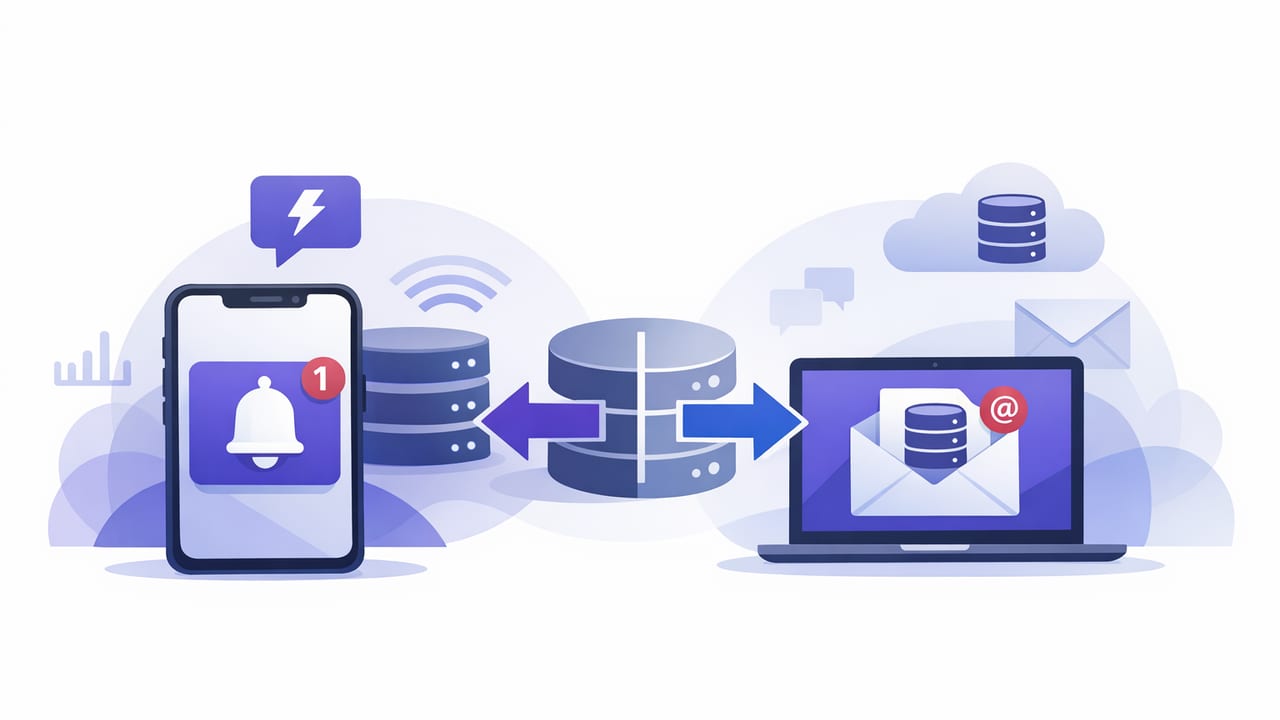
Database alerts are only as useful as the channel that delivers them. If a query detects a failing ETL job, a sudden spike in errors, or a critical row change, the notification method determines whether someone acts in minutes—or notices it tomorrow. This guide will compare push versus email database alerts with a practical, implementation-minded lens: speed, reliability, noise control, auditability, and real-world operations.
What “database alerts” really mean in practice
Most teams alert on query results, not on “the database” as a whole. Typical patterns include:
- Threshold alerts: “Count of failed payments > 10 in 5 minutes.”
- Absence alerts: “No new orders in the last 20 minutes.”
- Change alerts: “A specific row/field changed to a risky state.”
- Data quality alerts: “Null rate for a required field exceeded 1%.”
- Operational alerts: “Backlog table grew past N rows.”
Once the query identifies a condition, the alert pipeline typically includes deduplication, severity classification, routing (who should know), and delivery (push, email, chat, paging, etc.). This article focuses on the last step—delivery—because it strongly influences how the other steps should be designed.
Quick definitions: push vs email
Push notifications
Push notifications are short messages delivered to devices (often phones) via services like Apple Push Notification service (APNs). They’re optimized for immediacy and interruptive attention, but can be constrained by payload size, device settings, and platform rules.
Email alerts
Email alerts are messages delivered to inboxes via SMTP providers. They’re optimized for detail, searchability, and archival, but can be slower to notice and are subject to spam filtering and inbox overload.
A practical comparison table
| Dimension | Push notifications | Email alerts |
|---|---|---|
| Time-to-see (median) | Seconds to minutes (if allowed through) | Minutes to hours (depends on inbox habits) |
| Best for | High-severity, time-sensitive incidents | Moderate/low severity, reporting, digests |
| Message length & detail | Short; link out for context | Long; can include tables, runbooks, screenshots |
| Acknowledgement workflow | Can be immediate, but often minimal | Can include ticketing links and full context |
| Noise tolerance | Low tolerance; easy to cause alert fatigue | Higher tolerance; can batch, filter, and archive |
| Reliability pitfalls | Device settings, Focus modes, token invalidation | Spam filters, DMARC/DKIM, delayed delivery |
| Audit trail | Weak by default (unless logged separately) | Strong (inbox search, threading, retention) |
| Security posture | Risk of sensitive text on lock screen | Risk of sensitive data in inbox forwarding |
| Cost considerations | Low per message, but engineering/setup cost | Low, but can scale with provider tiers |
When push notifications win
Push is the right choice when the alert must compete with everything else in someone’s day.
1) You need action fast
If your recovery window is short (fraud spike, payments failing, production job stuck), push can reduce the “time-to-awareness.” Even a perfectly written email is useless if it’s seen after the incident has already cascaded.
2) You need a lightweight prompt, not a report
Push works best as a tap-to-context pattern: the notification includes a summary and a deep link to a dashboard, runbook, or query results page.
3) You can keep the message intentionally small
A strong push alert is usually one sentence plus a key metric. If you’re tempted to include five KPIs and a stack trace, it’s probably an email (or a link to a more detailed view).
Push anti-pattern: leaking sensitive data
Remember that push content may appear on a lock screen. If you monitor customer data, internal IDs, or security events, consider masking and linking to authenticated context instead.
Rule of thumb: a push notification should help someone decide “Do I need to act now?”—not teach them everything about the incident.
When email alerts win
Email isn’t “slow”—it’s asynchronous. That’s a feature for many database alert types.
1) You need detail, traceability, and search
Email is excellent for including: the exact SQL/aggregation that fired, recent sample rows, environment metadata, and remediation steps. It’s also easier to forward to the right team, attach logs, and keep as a record.
2) You want batching and digests
Many data monitoring checks are important but not urgent (e.g., a daily null-rate drift). Email supports daily/weekly digests that reduce noise while preserving visibility.
3) Compliance or audit requires retention
If you must demonstrate that alerts were generated and communicated, email is easier to retain and export (assuming your org’s retention policies and mailbox access controls are appropriate).
Email anti-pattern: “alert emails as a stream”
Sending every minor threshold breach as a separate email creates the same fatigue as push—just slower. If alerts are frequent, invest in grouping, rate limits, and summaries.
Decision framework: choose the channel by severity and workflow
A simple approach is to define alert tiers and bind them to channels.
- SEV-1 (Immediate): customer impact or security risk now → push (and often paging), with a link to runbook.
- SEV-2 (Soon): needs action today → email to an on-call list, optionally push during business hours.
- SEV-3 (Informational): trend or report → email digest only.
If you don’t have formal severities, start with one question: “If nobody sees this for 60 minutes, what happens?” If the answer is “real damage,” push is justified.
Designing alert content that works in both channels
Use a consistent schema
Regardless of delivery method, make alerts easy to scan. A recommended structure:
- What: metric/condition (e.g., “failed_payments_last_5m = 42”).
- Where: environment, service, database/cluster.
- When: detection time and evaluation window.
- So what: why it matters (one sentence).
- Next: link to dashboard/runbook and owner.
Deduplicate and rate-limit
Both channels suffer from repeated alerts, but push fatigue is faster and more damaging. Implement:
- Cooldowns: do not re-notify the same condition for N minutes.
- State transitions: notify on OK→ALERT and ALERT→OK, not every check run.
- Grouping keys: group by (service, metric, environment).
Practical example: one query, two channels
Imagine you track stuck jobs in a table etl_runs. You want an alert when any job has been running longer than 20 minutes.
SQL check (PostgreSQL)
-- returns count of stuck jobs
SELECT COUNT(*) AS stuck_jobs
FROM etl_runs
WHERE status = 'RUNNING'
  AND started_at < NOW() - INTERVAL '20 minutes';
Push message template
Keep it short; include one metric and a link:
[SEV-1] ETL stuck: 3 jobs running > 20m (prod)
Open runbook: https://internal/wiki/etl-stuck
Email subject + body template
Subject: [SEV-2][prod] ETL stuck jobs > 20 minutes: 3

Summary
- Metric: stuck_jobs = 3
- Window: last 20 minutes
- Detected: 2026-01-28T10:42:00Z
- Environment: prod

Why this matters
Stuck ETL runs may delay downstream reporting and customer-facing analytics.

Next steps
1) Check worker pool saturation dashboard
2) Review recent deploys to etl-worker
3) Inspect the longest-running job in etl_runs

Links
- Dashboard: https://internal/dashboards/etl
- Runbook: https://internal/wiki/etl-stuck
Notice the split: push is the “pager,” email is the “case file.”
Reliability considerations you should plan for
Push reliability gotchas
- User/device settings: notifications can be disabled per app.
- Focus/Do Not Disturb: critical alerts may be silenced unless explicitly allowed.
- Token churn: device tokens can change; handle invalid tokens gracefully.
- Payload limits: keep data minimal and fetch details after tap.
Email reliability gotchas
- Spam and promotions tabs: configure SPF/DKIM/DMARC and predictable “From” addresses.
- Distribution list drift: owners change; keep routing lists maintained.
- Delayed delivery: provider throttling or transient SMTP issues can add minutes.
Security and privacy: avoid sending raw data
Database alerts often tempt teams to include sample rows. That can backfire. Prefer:
- Aggregates over raw records (counts, rates, top categories).
- Redaction (mask emails, tokens, customer identifiers).
- Links to authenticated dashboards rather than embedding sensitive content in push/email.
- Read-only credentials for monitoring queries and encrypted connections end-to-end.
Recommended hybrid approach (most teams end up here)
The most resilient setup is not “push or email” but “push and email,” with clear roles:
- Push for SEV-1 time-critical detections and state transitions.
- Email for full context, follow-up, post-incident trail, and digests.
- Escalation: if not acknowledged in N minutes, fall back to another channel.
This hybrid design also reduces the risk of a single-channel failure (device muted, inbox filtering, etc.).
Checklist: choosing push vs email for a new database alert
- Response time needed: <15 minutes → push; hours/days → email/digest.
- Information density: needs context and steps → email; needs a nudge → push.
- Noise risk: frequent triggers → prefer email batching; only push on transitions.
- Audience: on-call individual → push; team distribution and stakeholders → email.
- Privacy: if content is sensitive → keep message minimal and link out.
Closing thoughts
When you compare push versus email database alerts, the best choice is rarely about which channel is “better.” It’s about matching urgency and workflow. Use push to compress time-to-awareness for truly urgent incidents, and use email to preserve context, accountability, and long-form remediation details. If you design your alert content with deduplication, state changes, and secure linking, you can combine both channels without creating noise.
If you’re exploring mobile-first ways to turn scheduled SQL/NoSQL checks into notifications, tools like Query Alert can support both push and email delivery while keeping monitoring queries read-only.