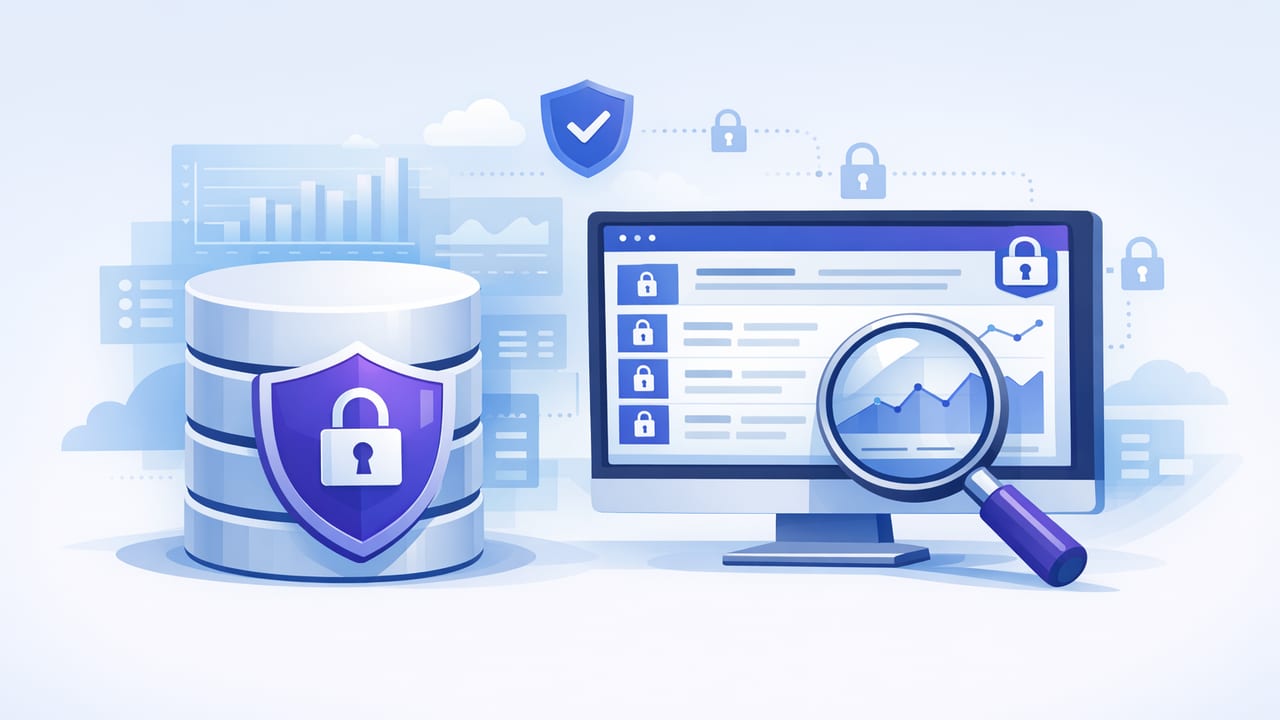
Secure read only database monitoring is a practical way to detect issues and business-critical changes without giving monitoring tools the ability to modify data. Instead of running agents with broad privileges, you connect using a restricted account, execute carefully designed queries at scheduled intervals, and alert only when results cross a threshold (or when something changes).
This approach fits modern environments where production databases host sensitive information, access is tightly controlled, and teams need faster feedback than periodic dashboards. Done well, it delivers timely visibility with a smaller blast radius.
Why “read-only” is a security feature, not just a preference
Monitoring often becomes an exception in security reviews because it touches production systems. A read-only model helps because it:
- Reduces impact of credential compromise: a leaked monitoring credential can’t write, delete, or alter data.
- Limits accidental damage: queries may be wrong, but they won’t change records.
- Improves auditability: read-only roles are easier to reason about and prove in compliance reviews.
- Supports least privilege by default: the monitoring principal only needs SELECT/find/list access on specific objects.
“Monitoring should observe systems, not control them.” Treat read-only access as a core safeguard, not a nice-to-have.
Core design principles for secure read only database monitoring
1) Least privilege: restrict scope, not just writes
“Read-only” can still be too broad. A role with SELECT on every table may expose PII and secrets. Instead:
- Grant access only to the schemas/tables/collections needed for monitoring.
- Prefer views or stored, safe projections that omit sensitive columns.
- For multi-tenant systems, monitor using aggregated tables or tenant-safe views to avoid leaking tenant data.
2) Secure transport: enforce TLS and verify identity
Monitoring connections often cross networks (VPN, VPC peering, NAT, mobile). Encrypting traffic isn’t optional:
- Use TLS for database connections (e.g., sslmode=require/verify-full for PostgreSQL where possible).
- Pin or validate CA certificates to reduce man-in-the-middle risk.
- Disable weak ciphers and legacy TLS versions on the database endpoint.
3) Credential hygiene: rotate, scope, and store safely
Read-only credentials should be treated like any production secret:
- Use a dedicated monitoring user (never reuse app credentials).
- Rotate credentials on a schedule and after staff changes.
- Prefer short-lived auth where available (cloud IAM auth, SCRAM, or signed tokens).
- Store secrets in a secure vault/keychain and avoid embedding them in code or scripts.
4) Query safety: avoid heavy scans and lock contention
Security also includes availability. Monitoring queries that trigger full table scans can create performance incidents. Make checks lightweight:
- Use indexes-friendly predicates (e.g., time windows on indexed timestamp columns).
- Aggregate rather than selecting raw rows (count, sum, max).
- Limit results (
LIMIT) and return only what’s needed for the alert. - Schedule checks at sensible intervals and jitter them to avoid synchronized spikes.
A practical checklist: permissions and setup by database type
| Database | Read-only permission strategy | Notes for secure monitoring |
|---|---|---|
| PostgreSQL | Create role with CONNECT, USAGE on schema, SELECT on specific tables/views |
Prefer views for redaction; use sslmode=verify-full when possible |
| MySQL | User with SELECT on needed tables/views only |
Restrict host/IP; enforce TLS; avoid SHOW * privileges unless needed |
| MongoDB | Built-in read role scoped to a database; create custom role for limited collections |
Use TLS + SCRAM; avoid reading full documents when a count/aggregate works |
Example: Postgres read-only role (least privilege)
The following example grants read-only access to a limited schema and a few objects. Adjust names to your environment.
-- 1) Create a dedicated role
CREATE ROLE monitor_ro LOGIN PASSWORD 'use-a-rotated-secret';

-- 2) Allow connecting to the database
GRANT CONNECT ON DATABASE appdb TO monitor_ro;

-- 3) Limit schema usage
GRANT USAGE ON SCHEMA public TO monitor_ro;

-- 4) Grant SELECT only on specific tables (or better: views)
GRANT SELECT ON TABLE public.orders TO monitor_ro;
GRANT SELECT ON TABLE public.payments TO monitor_ro;

-- 5) Optional: future-proof with default privileges for a schema owner
-- ALTER DEFAULT PRIVILEGES FOR USER app_owner IN SCHEMA public
--   GRANT SELECT ON TABLES TO monitor_ro;
Tip: If the monitoring only needs “counts” and “last updated times,” create a view that excludes customer identifiers and amounts, then grant SELECT on that view only.
Designing alert queries that stay secure and actionable
Secure read only database monitoring works best when each check is specific, low-noise, and privacy-aware. Common patterns include:
1) Threshold checks (counts, error rates, backlog)
These checks return a single number. Alert when it exceeds a limit.
-- Example: backlog older than 15 minutes
SELECT COUNT(*) AS stuck_jobs
FROM job_queue
WHERE status = 'pending'
  AND created_at < NOW() - INTERVAL '15 minutes';
2) Freshness checks (last update time)
Useful for pipelines and integrations: detect when a feed stops updating.
SELECT EXTRACT(EPOCH FROM (NOW() - MAX(received_at))) AS seconds_since_last_event
FROM inbound_events
WHERE source = 'partner_api';
3) Change detection without exposing rows
Sometimes you only need to know that a state changed, not the full record. Prefer returning IDs or safe aggregates.
-- Only return a small set of identifiers
SELECT order_id
FROM orders
WHERE status = 'chargeback'
  AND updated_at > NOW() - INTERVAL '10 minutes'
ORDER BY updated_at DESC
LIMIT 20;
4) Anomaly signals (baselines and comparisons)
Where possible, compare to recent history to avoid static thresholds.
-- Compare today's error count vs yesterday's at the same time window
WITH t AS (
  SELECT COUNT(*) AS c
  FROM api_errors
  WHERE created_at > NOW() - INTERVAL '15 minutes'
), y AS (
  SELECT COUNT(*) AS c
  FROM api_errors
  WHERE created_at BETWEEN (NOW() - INTERVAL '1 day' - INTERVAL '15 minutes')
                      AND (NOW() - INTERVAL '1 day')
)
SELECT (t.c)::int AS now_count, (y.c)::int AS yesterday_count;
Preventing alert fatigue (and why it matters for security)
Noisy alerts create risky behavior: people mute channels, disable checks, or share credentials “temporarily” to debug. Keep your monitoring sustainable:
- Make alerts binary and testable: each alert should answer “what changed?” and “what should I do next?”
- Use deduplication: don’t page repeatedly for the same condition.
- Add hysteresis: require recovery conditions before clearing.
- Separate severity: informational notifications shouldn’t look like incidents.
- Log query executions: capture runtimes and failures to detect when monitoring itself becomes a burden.
Security pitfalls to avoid
- Over-permissioned roles: “read-only” on everything is still too much; scope to objects and columns.
- Monitoring from untrusted networks without verification: TLS “require” is better than nothing; “verify” is better than “require.”
- Returning sensitive data in alert payloads: notifications are often stored and forwarded. Return counts and IDs; avoid names, emails, tokens, or full documents.
- Running expensive queries too often: availability is part of security; throttle and optimize.
- No audit trail: you should be able to answer who connected, from where, and what they ran.
Operational hardening: auditing, rate limits, and segmentation
Auditing and visibility
Enable database logging appropriate to your environment:
- Record authentication events (success/failure) for the monitoring user.
- Log slow queries and consider tagging monitoring statements (where supported) to separate them from app traffic.
- Review access periodically: remove objects no longer monitored.
Rate limiting and timeouts
Set statement timeouts to prevent runaway checks:
- Postgres:
statement_timeoutper role/session - MySQL: application-side timeouts and max execution time where available
- MongoDB: server-side limits and query design to prevent large scans
Network segmentation
Even with TLS, restrict where the monitoring user can connect from:
- IP allowlists / security groups
- Private networking (VPC/VNet), VPN, or bastion patterns
- Separate read replicas for monitoring workloads when appropriate
How to validate your secure read-only monitoring setup
Before relying on alerts, run a short validation:
- Permission test: confirm the monitoring user cannot INSERT/UPDATE/DELETE, and cannot SELECT from restricted tables.
- Data minimization test: ensure query outputs do not include PII or secrets.
- Performance test: measure query latency and confirm indexes are used (e.g.,
EXPLAINin SQL). - Failure mode test: verify what happens on connection failure, TLS failure, or timeout (you want a clear “monitoring degraded” signal).
- Rotation drill: rotate the credential and confirm monitoring recovers cleanly.
Putting it together: a simple monitoring architecture
A typical secure read only database monitoring workflow looks like this:
- Define small, safe queries that return minimal results.
- Create scoped read-only principals (SQL role/user or MongoDB custom role).
- Enforce TLS with verification and restrict network access.
- Schedule checks with sensible intervals, timeouts, and deduplication.
- Send notifications that are actionable and privacy-safe.
If you prefer running these checks from a mobile workflow (for example, on-call verification from an iPhone), choose a tool that supports encrypted connections and read-only queries by design; Query Alert is one example of an iOS app built around that model.