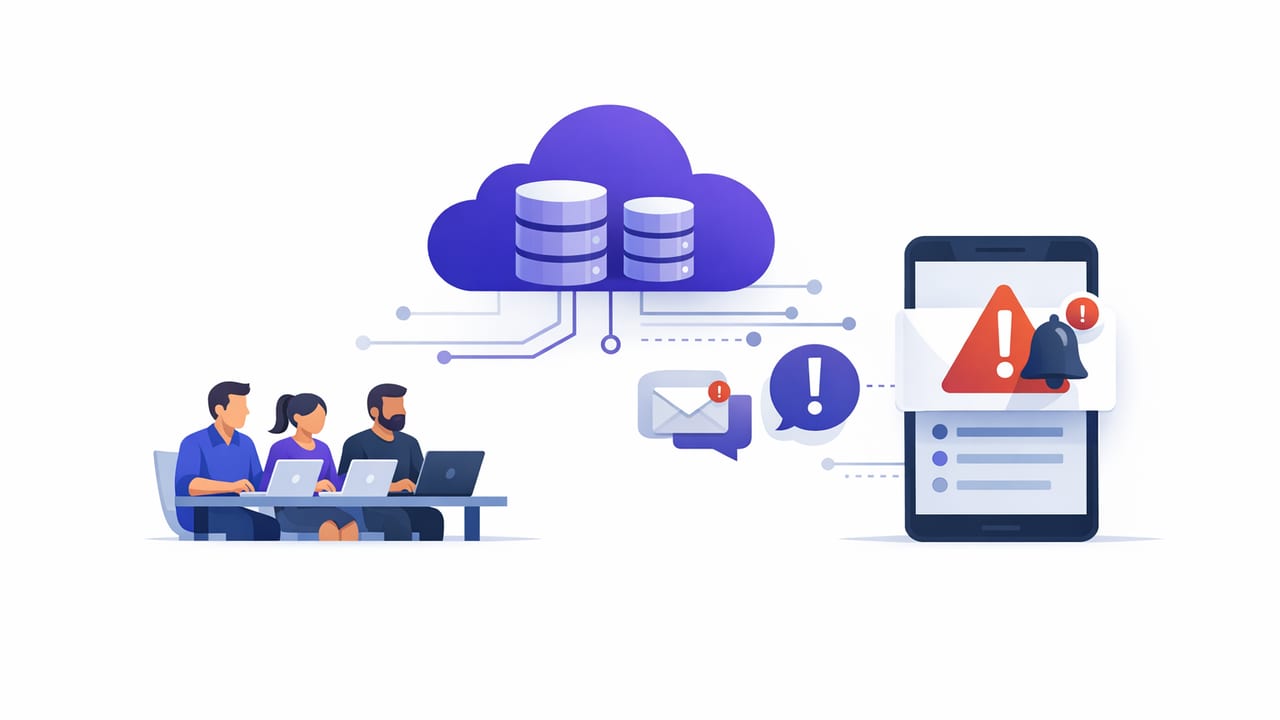
Small teams often need the same operational visibility as larger orgs—failed jobs, stale data, unusual spikes, missing records—but without the time (or budget) to run and maintain a monitoring service. The good news: you can build small team database alerts without servers by combining read-only queries, managed schedulers, and notification channels you already use.
This guide explains practical architectures that avoid long-running VMs, always-on containers, or a custom “monitoring backend.” It focuses on patterns that are easy to operate, secure by default, and portable across PostgreSQL, MySQL, and MongoDB.
What “without servers” actually means
In practice, “without servers” usually means:
- No dedicated VM/container you patch, scale, and keep alive.
- No custom daemon that polls the database 24/7.
- Minimal moving parts: rely on managed schedulers, built-in database features, or lightweight automation.
You’ll still run code somewhere—just in managed, ephemeral, or built-in environments that reduce operational burden.
Start with alert design: define the contract
Before picking tooling, define a simple alert contract. For each alert, write down:
- Condition: What must be true to trigger? (e.g., “count > 0”, “last_updated < now - 15m”)
- Query: The read-only SQL/find/aggregate that detects it
- Cadence: How often to check (1m, 5m, hourly, daily)
- Recipient: Who gets notified and how (push/email/chat)
- Runbook link: The next action when it fires
Rule of thumb: an alert is only useful if someone can take an action within the timeframe it represents.
Pattern 1: Scheduled read-only queries (simplest and most portable)
This is the most common “no-servers” approach: run a read-only query on a schedule and alert if the result crosses a threshold. It works across SQL and many NoSQL databases because it requires only connectivity and permissions to read.
Example: Postgres alert when a job hasn’t updated recently
Suppose you have a table that records the last successful run of each pipeline:
-- Table: pipeline_runs(pipeline_name text, last_success timestamptz)
SELECT pipeline_name
FROM pipeline_runs
WHERE last_success < now() - interval '30 minutes';
Alert condition: if the query returns one or more rows, send a notification listing the pipelines.
Example: MySQL alert when error rate spikes
-- Table: api_requests(status_code int, created_at datetime)
SELECT
  SUM(status_code >= 500) / COUNT(*) AS error_rate
FROM api_requests
WHERE created_at >= NOW() - INTERVAL 10 MINUTE;
Alert condition: if error_rate > 0.02, notify.
Example: MongoDB alert when a collection grows unusually fast
// Using an aggregation that compares recent counts you store periodically
db.collectionStats.find({
  metric: "orders_count",
  ts: { $gte: new Date(Date.now() - 60*60*1000) }
}).sort({ ts: 1 })
Alert condition: if growth exceeds a threshold for your business, notify.
Why this pattern works for small teams: it’s easy to reason about, test locally, and version-control the queries and thresholds.
Pattern 2: Database-native eventing (fast, but more database-specific)
Some databases can emit events when data changes, reducing polling. This can be “serverless” if the event is delivered to a managed system, but it’s often more complex than scheduled queries.
Postgres: LISTEN/NOTIFY with triggers (careful with reliability)
Postgres can NOTIFY on changes, and clients can LISTEN. It’s low-latency, but be cautious: notifications are not a durable queue, and listeners must remain connected.
-- Trigger function
CREATE OR REPLACE FUNCTION notify_order_insert() RETURNS trigger AS $$
BEGIN
  PERFORM pg_notify('order_events', NEW.id::text);
  RETURN NEW;
END;
$$ LANGUAGE plpgsql;

-- Trigger
CREATE TRIGGER order_insert_notify
AFTER INSERT ON orders
FOR EACH ROW EXECUTE FUNCTION notify_order_insert();
Best use: “nice-to-have” near-real-time signals, not your only safety net.
MongoDB: Change streams (managed clusters help)
MongoDB change streams can provide real-time updates, typically in replica sets/sharded clusters. You still need a consumer, but it can be a managed function or lightweight worker. If your goal is strictly “no always-on processes,” scheduled queries are often simpler.
Pattern 3: Managed automation runners (GitHub Actions / Cloud schedulers)
Another no-servers approach is to run checks in an ephemeral automation environment:
- GitHub Actions scheduled workflows
- Cloud schedulers invoking a serverless function
- CI runners on a timer
This works well if your team already lives in GitHub and you want alerts defined as code. The trade-off is handling secrets carefully and ensuring outbound database access is allowed (VPC, IP allowlists, etc.).
Example: Pseudocode for a scheduled check script
# check_stale_pipeline.py (conceptual)
rows = db.query("""
  SELECT pipeline_name
  FROM pipeline_runs
  WHERE last_success < now() - interval '30 minutes'
""")

if rows:
  notify("Stale pipelines", format_list(rows))
else:
  print("OK")
Choosing the right approach: a quick comparison
| Approach | Ops burden | Latency | Portability | Best for |
|---|---|---|---|---|
| Scheduled read-only queries | Low | Seconds to minutes | High | Most small teams; clear conditions |
| DB-native eventing (NOTIFY/change streams) | Medium | Near real-time | Medium | Event-driven needs; faster feedback loops |
| Automation runners (CI / schedulers) | Low–Medium | Minutes | High | Alerts-as-code, repo-managed workflows |
Security essentials (especially for “no-servers” setups)
Lightweight doesn’t mean lax. Database alerting touches production data and credentials, so bake in these controls:
- Use read-only users limited to the schemas/collections needed.
- Encrypt in transit (TLS) and validate certificates where possible.
- Store secrets in a secret manager (or at minimum, encrypted CI secrets).
- Limit network access: allowlist runner egress IPs or use private networking options.
- Prefer parameterized queries if any user input is involved.
- Log minimally: don’t print sensitive rows; alert on counts/IDs where feasible.
Make alerts reliable: reduce noise and missed signals
The fastest way to make alerts useless is to generate too many. Small teams need high-signal notifications with predictable behavior.
Noise reduction checklist
- Add hysteresis: require the condition to hold for 2–3 consecutive checks.
- Group related failures: one alert listing all failing pipelines beats 12 separate alerts.
- Use time windows aligned with your system’s rhythm (batch jobs, business hours).
- Include context: last success time, counts, and a link to the runbook/dashboard.
Reliability checklist
- Set an explicit timeout on query execution to prevent stuck checks.
- Handle transient failures (network blips) with limited retries.
- Add a heartbeat: a daily “monitor is alive” message or a dashboard status.
- Separate critical vs. informational notifications to avoid alert fatigue.
Practical alert ideas that pay off quickly
If you’re starting from scratch, these are high ROI checks that rarely require complex logic:
- Freshness checks: “last_updated not older than X.”
- Volume checks: “today’s orders < 70% of trailing average.”
- Error budget checks: “5xx rate > threshold.”
- Backlog checks: “queue depth > threshold.”
- Integrity checks: “foreign key-like mismatch counts > 0.”
A minimal rollout plan for small teams
- Pick 3 alerts that map to real incidents you’ve had.
- Write read-only queries that return a small, interpretable result.
- Schedule them at a reasonable cadence (e.g., 5–15 minutes for operational checks).
- Notify via one channel first (email or push), then expand.
- Add runbooks: a short “what to do next” link for each alert.
- Review monthly: delete alerts that never mattered; tune thresholds.
When you outgrow “no servers”
If you later need correlation across many signals, complex routing, on-call schedules, or very high frequency checks at scale, you may adopt a dedicated monitoring stack. But for many products, the “serverless” alerting patterns above cover 80% of operational needs with 20% of the effort.
And if you prefer to manage scheduled, read-only database checks from a mobile-first workflow, tools such as Query Alert can fit neatly into this lightweight approach without requiring you to run a monitoring server.