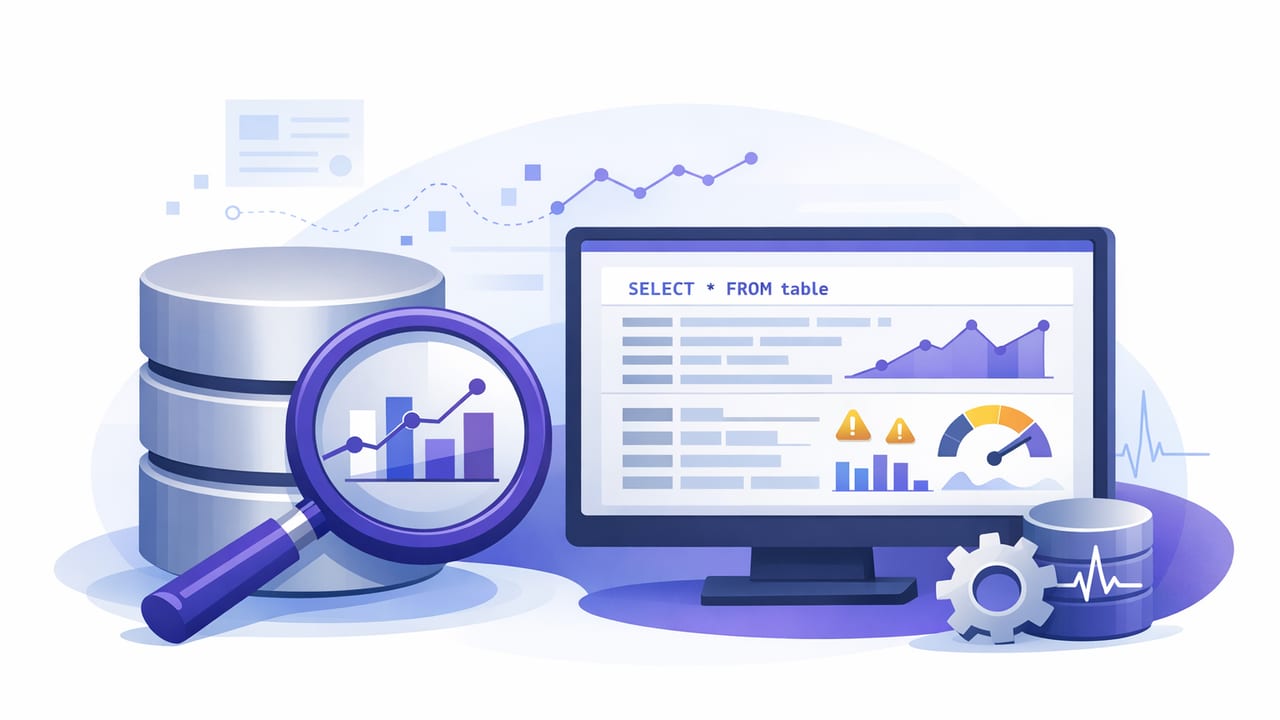
SQL query monitoring is the practice of running targeted, repeatable queries on a schedule (or near-real time) and turning the results into actionable alerts. Done well, it bridges the gap between “database metrics” and “business impact,” helping teams detect failures, regressions, and critical data changes without building fragile one-off scripts.
This guide focuses on practical patterns: how to pick the right monitoring queries, how to reduce noise, how to keep access safe (read-only), and how to structure results so alerts are consistent across environments. Examples use PostgreSQL and MySQL, but the same principles apply to most SQL databases.
What SQL query monitoring is (and what it isn’t)
Traditional monitoring often watches infrastructure signals (CPU, memory, disk I/O) or database internals (connections, locks). Those are essential, but they can miss what application owners care about most: whether data is correct and workflows are healthy.
SQL query monitoring answers questions like:
- Are orders stuck in “processing” longer than expected?
- Did today’s revenue drop below a safe threshold?
- Is replication lag high enough to cause stale reads?
- Are failed jobs accumulating?
- Did an ingestion pipeline stop writing new rows?
It is not a replacement for observability tooling. Think of it as a focused layer of “data truth checks” that complements metrics, logs, and traces.
When query-based alerts work best
Query-based monitoring is especially effective when:
- You can define correctness in SQL (counts, thresholds, state transitions, missing rows).
- You need cross-system validation (e.g., “payments captured but invoice not issued”).
- You want vendor-neutral checks that travel with the schema and can be versioned.
- You need read-only access and cannot install agents or triggers.
Rule of thumb: if you can explain the problem as “show me the rows that should not exist” or “show me the rows that should exist but don’t,” you can usually monitor it with SQL.
A simple framework: five categories of monitoring queries
| Category | What it catches | Typical output | Alert trigger |
|---|---|---|---|
| Freshness | Stalled pipelines, stopped writers | Latest timestamp, minutes since last row | > X minutes |
| Volume | Sudden drops/spikes, backfills | Counts per time bucket | Below/above threshold or anomaly |
| Integrity | Orphans, duplicates, constraint drift | Row list or count of violations | > 0 rows |
| Workflow health | Stuck states, long-running steps | IDs + age in state | Count or max age exceeds limit |
| Performance signals | Locking, slow queries (via system views) | Waits, lag, slow query count | Above threshold with cooldown |
Design principles for low-noise SQL query monitoring
1) Make the query return “alert-ready” results
Alerts are easier to automate when the query returns a small, structured payload. Common patterns:
- Single scalar: a number you compare to a threshold (e.g.,
error_count). - Top N offenders: IDs and timestamps for triage (e.g., stuck order IDs).
- Status row: a single row with fields like
ok,severity,message.
2) Prefer “violations” queries (return rows that should not exist)
Instead of computing everything, return only the problematic cases. This reduces payload size and makes alerts more actionable.
3) Add deduplication and cooldown logic
If the same condition persists for hours, you don’t want a page every five minutes. Typical approaches:
- Cooldown window: alert at most once per N minutes per rule.
- Stateful dedupe: alert only when a metric crosses a threshold (up or down).
- Severity tiers: warning at N, critical at 2N (with distinct routing).
4) Use robust time windows
Time-based checks should account for late-arriving data. For example, monitor “no rows in the last 15 minutes” rather than “no rows in the last 5 minutes” if ingestion can jitter.
5) Version and review monitoring queries like code
Store queries in your repo, review them with schema changes, and test them in staging with representative data volumes. Monitoring that isn’t maintained will become noisy or silently wrong.
Practical examples (PostgreSQL and MySQL)
Example A: Freshness check (pipeline stalled)
Goal: Alert if no events arrived in the last 10 minutes.
-- PostgreSQL
SELECT
  EXTRACT(EPOCH FROM (NOW() - MAX(created_at))) / 60 AS minutes_since_last_event
FROM events;
Alert trigger: minutes_since_last_event > 10.
-- MySQL
SELECT
  TIMESTAMPDIFF(MINUTE, MAX(created_at), NOW()) AS minutes_since_last_event
FROM events;
Example B: Stuck workflow items (actionable rows)
Goal: List orders stuck in processing for more than 30 minutes (return only violations).
-- PostgreSQL / MySQL (portable SQL with minor timestamp differences)
SELECT
  id,
  user_id,
  status,
  created_at,
  updated_at
FROM orders
WHERE status = 'processing'
  AND updated_at < (CURRENT_TIMESTAMP - INTERVAL '30 minutes')
ORDER BY updated_at ASC
LIMIT 50;
Alert trigger: row count > 0. The returned IDs become an immediate to-do list for responders.
Example C: Data integrity (orphan detection)
Goal: Find payments that reference missing orders.
SELECT p.id AS payment_id, p.order_id, p.created_at
FROM payments p
LEFT JOIN orders o ON o.id = p.order_id
WHERE o.id IS NULL
ORDER BY p.created_at DESC
LIMIT 100;
Alert trigger: row count > 0 (usually critical).
Example D: Volume drop vs baseline (simple anomaly guard)
Goal: Alert if today’s hourly signups fall more than 40% below the trailing 7-day hourly average.
-- PostgreSQL
WITH hour_now AS (
  SELECT date_trunc('hour', now()) AS h
),
current_hour AS (
  SELECT COUNT(*) AS cnt
  FROM users u, hour_now
  WHERE u.created_at >= hour_now.h
    AND u.created_at <  hour_now.h + interval '1 hour'
),
baseline AS (
  SELECT AVG(hour_cnt) AS avg_cnt
  FROM (
    SELECT date_trunc('hour', created_at) AS h, COUNT(*) AS hour_cnt
    FROM users
    WHERE created_at >= now() - interval '7 days'
    GROUP BY 1
  ) t
)
SELECT
  (SELECT cnt FROM current_hour) AS current_cnt,
  (SELECT avg_cnt FROM baseline) AS baseline_avg,
  CASE
    WHEN (SELECT avg_cnt FROM baseline) = 0 THEN NULL
    ELSE (SELECT cnt FROM current_hour) / (SELECT avg_cnt FROM baseline)
  END AS ratio_to_baseline;
Alert trigger: ratio_to_baseline < 0.6. Add a guardrail such as “only alert during business hours” or “only if baseline_avg > 20” to avoid noise on low-volume systems.
Example E: Database health via system views (PostgreSQL locks)
Goal: Alert when blocked queries exceed a threshold (a performance symptom responders can act on).
-- PostgreSQL: count blocked backends
SELECT COUNT(*) AS blocked_backends
FROM pg_stat_activity
WHERE wait_event_type = 'Lock';
Alert trigger: blocked_backends >= 5 for more than one interval (use a cooldown).
Security and safety: how to monitor without creating risk
Because monitoring queries touch production data, treat them as part of your security perimeter.
Use least-privilege, read-only roles
- Create a dedicated database user for monitoring.
- Grant
SELECTon only the schemas/tables needed. - Avoid permissions that can change state (
INSERT,UPDATE,DELETE, DDL).
Encrypt connections and rotate credentials
- Require TLS for database connections (and validate certificates where possible).
- Use short-lived credentials or rotate passwords/API keys on a schedule.
Protect sensitive fields
If a query might return PII, prefer returning counts or hashed identifiers. The goal of SQL query monitoring is to detect issues, not to expose full records in notifications.
Scheduling strategy: how often should you run monitoring queries?
The right interval depends on the cost of being late versus the cost of running queries too frequently.
- 1–5 minutes: freshness checks, stuck workflows, critical error accumulation.
- 5–15 minutes: volume checks, lock/connection symptoms, replication lag.
- Hourly/daily: integrity audits, duplicate detection, SLA reporting.
Keep queries efficient: use indexes on timestamp columns used in windows, avoid full scans where possible, and cap “offender lists” with LIMIT. If you need deeper analysis, run it less often and alert on coarse signals first.
Operational tips: making alerts actionable
- Include context: threshold, observed value, time window, and a short remediation hint.
- Route by ownership: ingestion alerts to data engineering, workflow alerts to app teams, lock alerts to platform/DBA.
- Link to runbooks: the fastest alerts are the ones with “what to do next.”
- Test failure modes: what happens if the database is unreachable, credentials expire, or the query errors?
- Measure noise: track alert frequency and add suppression logic when a check is persistently noisy.
Choosing tooling (without locking into a single approach)
You can implement SQL query monitoring with cron jobs, CI runners, serverless functions, or dedicated monitoring services. Whatever you choose, look for these capabilities:
- Secure connectivity (TLS, secret management).
- Read-only execution and query auditability.
- Flexible scheduling and per-rule intervals.
- Noise controls (dedupe, cooldown, severity tiers).
- Clear notifications (push/email/chat) with query results summarized.
If you prefer an iOS-first workflow for reviewing and acknowledging alerts on the go, tools like Query Alert follow the “queries into smart alerts” pattern while keeping monitoring logic query-driven and easy to iterate.